Immersive 3D Mobile
Immersive 3D in SpaceWalker Mobile
Immersive 3D is a groundbreaking feature in SpaceWalker Mobile that transforms your photos and videos into stunning 3D experiences in real time.
Using state-of-the-art AI, it instantly converts 2D content into breathtaking 3D visuals. This technology analyzes each frame, identifying depth cues and spatial relationships, resulting in a natural, Immersive 3D effect that maintains exceptional visual quality and minimizes latency.
Watch the video below to see it in action.
Check more details on SpaceWalker for mobile.
Requirements
To enjoy Immersive 3D, you'll need:
Hardware
- VITURE XR Glasses
- iPhone, iPad with USB-C connector
- Android Phone, Pad with USB-C connector
- Look for terms like “DisplayPort over USB-C” or “DP Alt Mode” in your device’s specs.
- Not sure? Check our compatibility list.
- Google Pixel 8/9 series do not support the required resolution.
- We recommend Samsung Galaxy S23 or newer for the best experience. Please note that Immersive 3D is not currently supported on Samsung devices powered by Exynos processors.
Software
- iOS
- SpaceWalker app (v1.9.1 or later)
- iOS 18 or later
- Android
- SpaceWalker app version 1.5.0 or later
- Android 14 or newer
Optional Accessory
- USB-C XR Charging Adapter: Enables automatic 3D mode activation for a smoother experience on iPhone or iPad.
Media Player
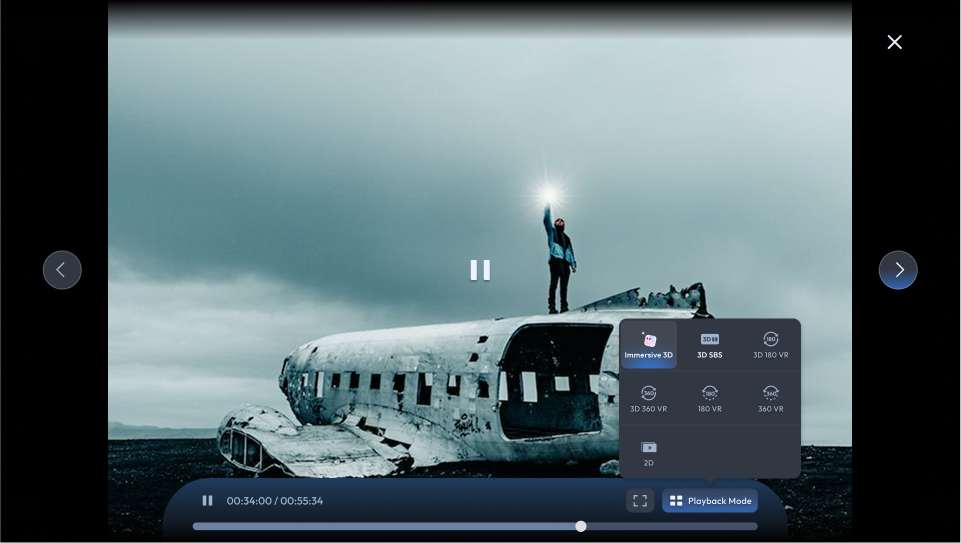
- Launch Media Playerin the SpaceWalker app.
- Select a video from your device.
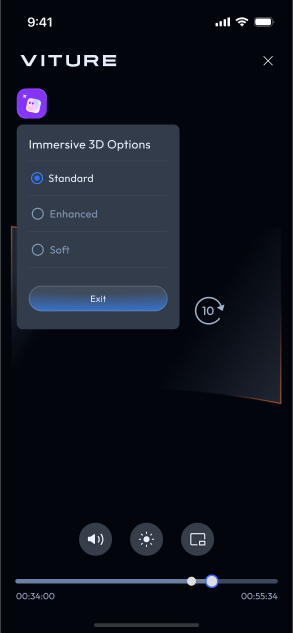
- In multi-screen mode, move the cursor to the bottom-left corner and switch to Immersive 3D (see above). In fullscreen, tap the Immersive 3D icon on your phone's playback controls (see below).
- Playback is controlled via your phone. Choose from three 3D modes:
- Standard: Balanced depth
- Enhanced: Strong 3D effect
- Soft: Gentler visual experience
Explore our curated YouTube playlist and photo album to experience the full potential of Immersive 3D!
Photo Gallery
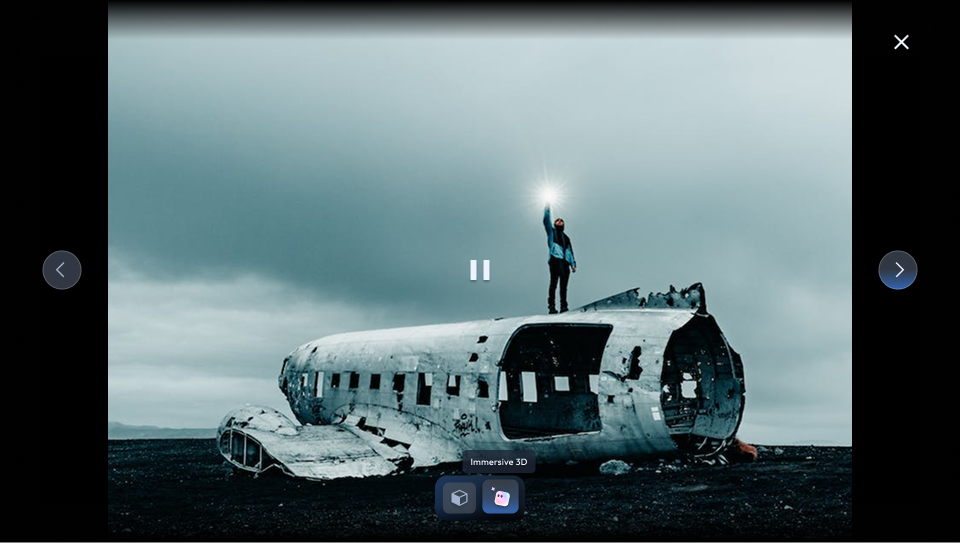
- Open the Photo Gallery in SpaceWalker.
- Select a photo or video.
- Tap the Immersive 3D button to convert it to 3D.
- Enable 3D Mode on your XR Glasses (or use the USB-C XR Charging Adapter for automatic activation).
- Navigate through your media using the left and right arrow buttons.
- For videos, control playback via your phone. Choose from three viewing modes:
- Standard: Default mode for a balanced 3D experience
- Enhanced: Increased depth for a more immersive experience
- Soft: Gentler visual experience
Explore our curated YouTube playlist and photo album to experience the full potential of Immersive 3D!
Video Detector
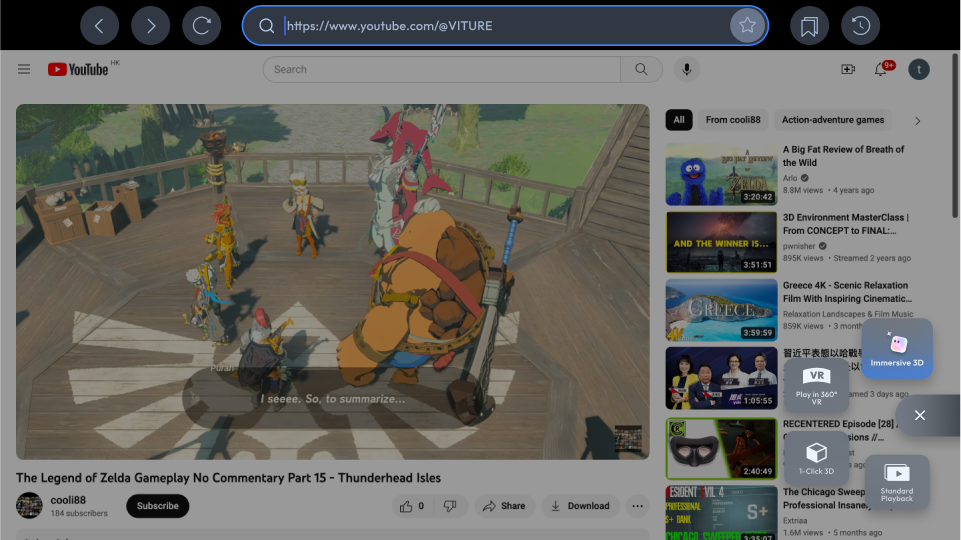
- Open Browser in SpaceWalker and play an online video.
- The Video Detector will automatically identify compatible videos (some sites may not be supported).
- Tap the Immersive 3D button to start the 3D playback.
- Your XR Glasses will switch to 3D Mode automatically (black screen for ~2 seconds).
- Control playback via your phone.
Important Notes
Immersive 3D may significantly increase battery usage. Ensure your Android device is sufficiently charged before extended use.
Browser
Note: Immersive 3D in the browser is supported on iOS SpaceWalker starting from version 1.19.18. Android support is coming soon.
Immersive 3D on SpaceWalker for iOS now supports real-time 2D-to-3D conversion for content viewed in the built-in browser, delivering a richer and more immersive 3D viewing experience—even for standard web pages.
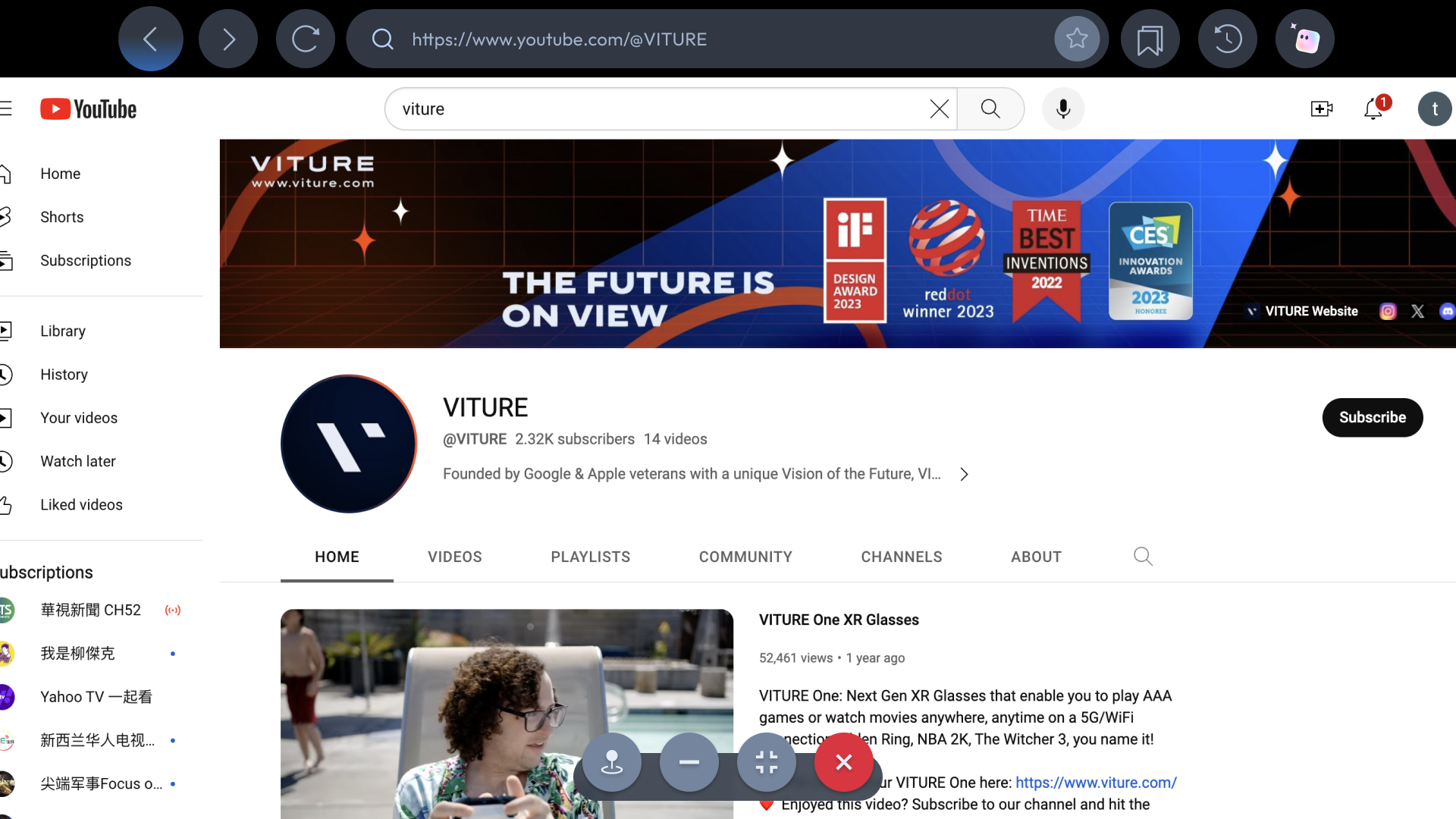
- Open the built-in browser in SpaceWalker and navigate to the webpage you want to view.
- Move the cursor to the top of the browser to reveal the tab bar, then tap the Immersive 3D icon in the top-right corner.
- Check your phone screen. A system permission prompt for Screen Recording will appear—please grant permission.
- Once permission is granted, the webpage will switch to 3D:
- If you are using an adapter, the glasses will automatically switch to 3D mode.
- If the glasses are directly connected to the device, please manually switch the glasses to 3D mode.
- Use touch controls on your phone to browse the webpage and enjoy an immersive 3D experience.
This feature also works with web-based streaming tools, allowing streamed games to be upgraded to an immersive 3D experience.
Note: This feature may be unavailable on some video streaming websites due to DRM restrictions.