Shop by Scenario

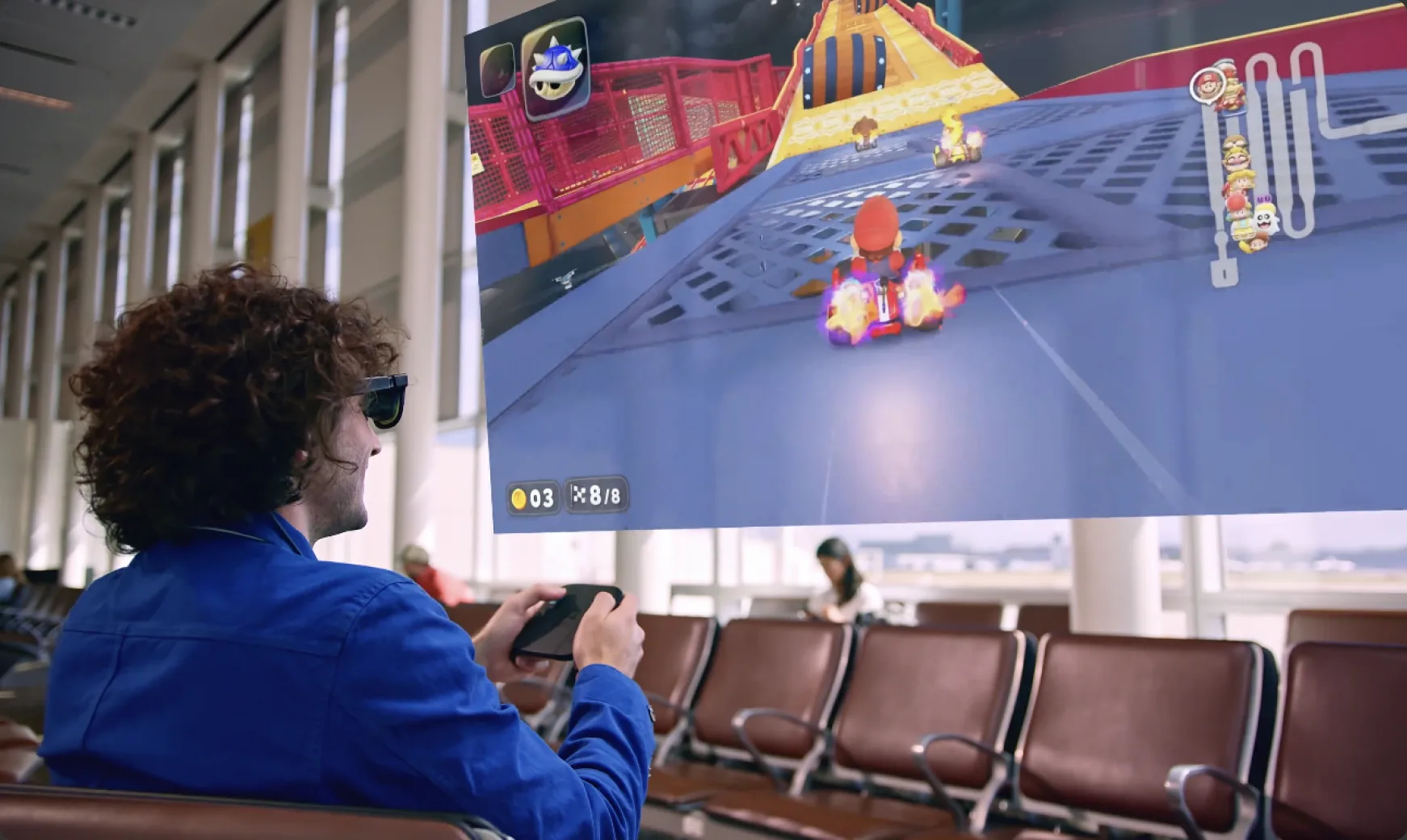
AR Glasses for Gaming

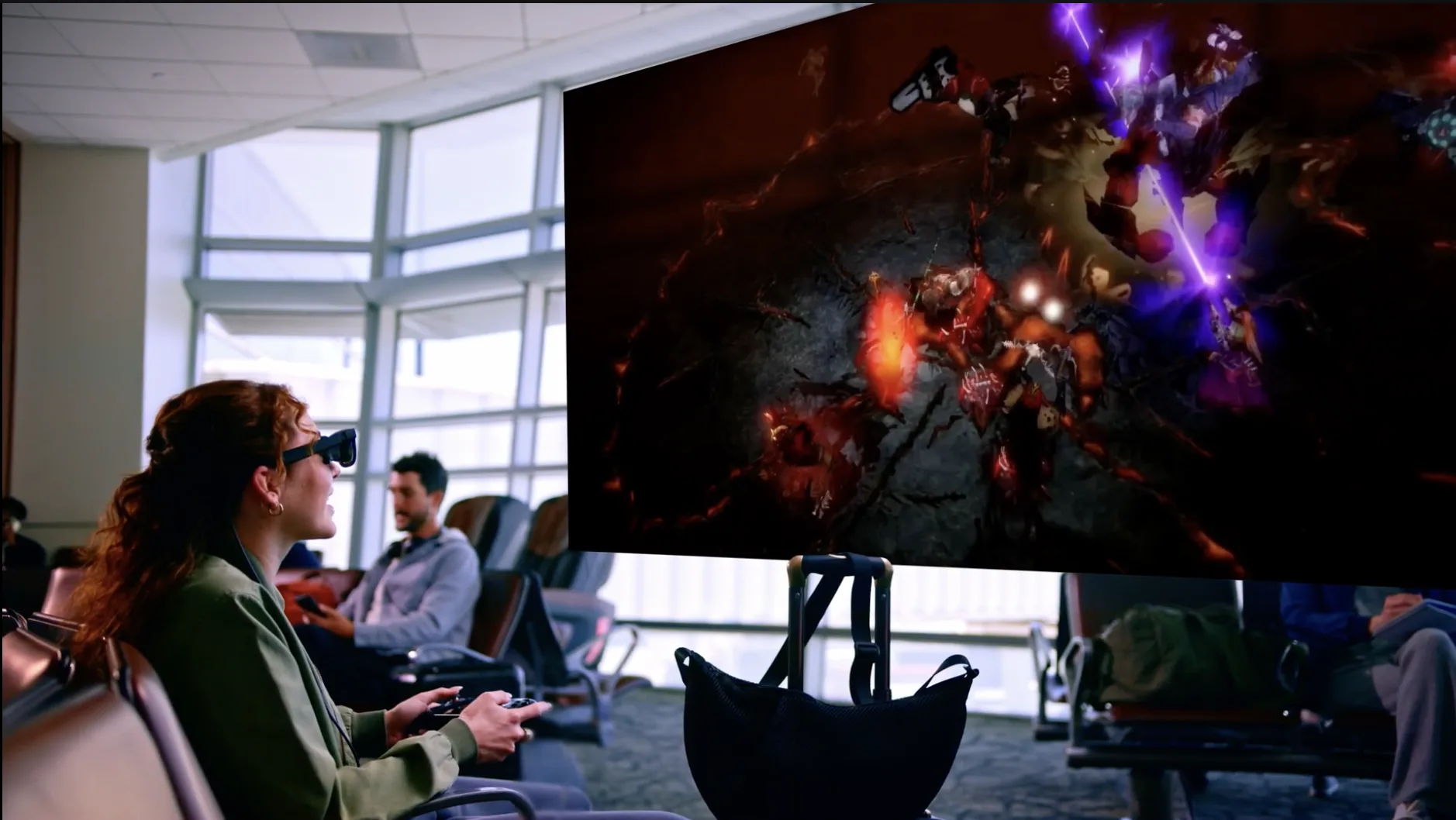
Turn any console into a massive private screen.
Dock on the go, dive in at home.

Why VITURE for Gaming

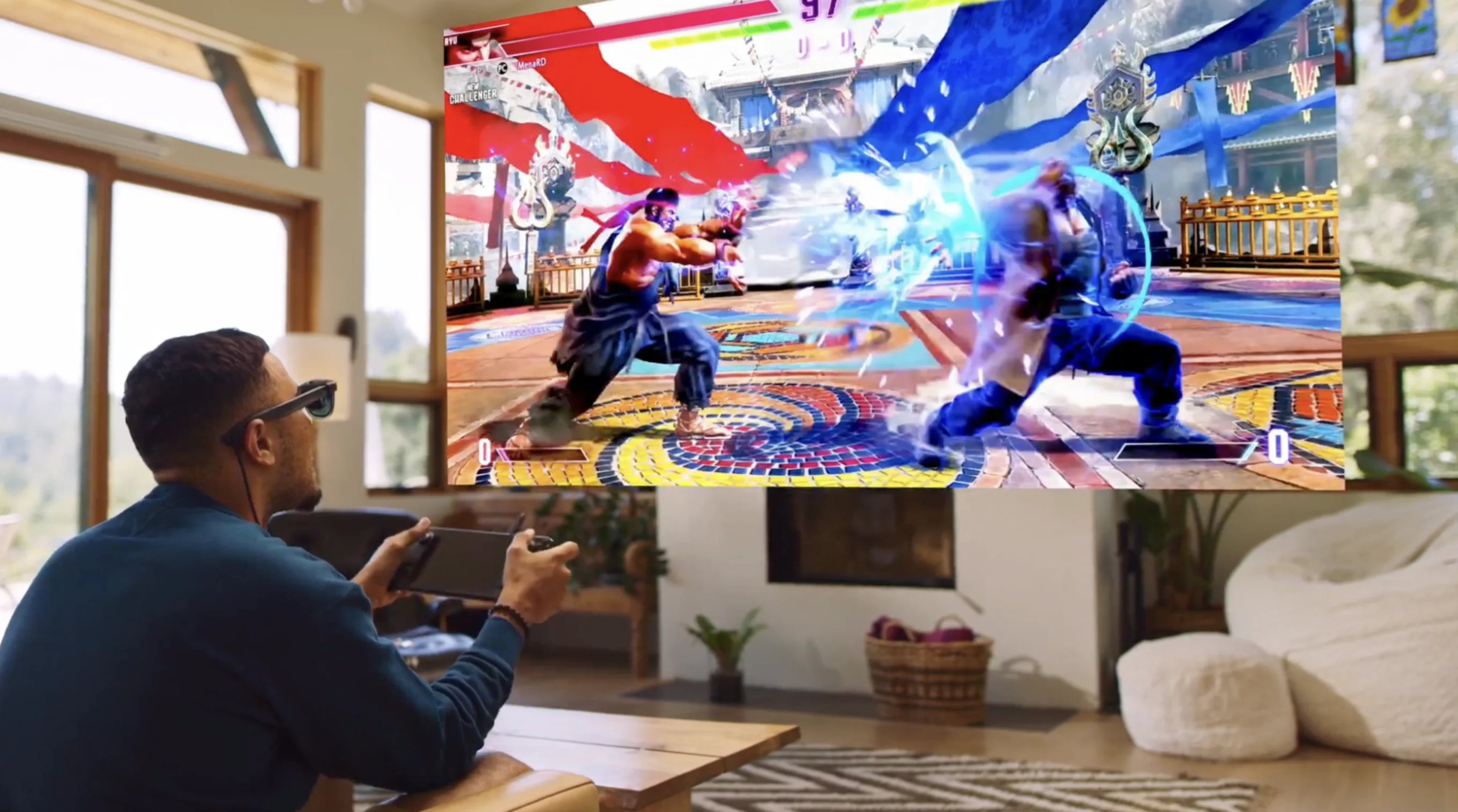
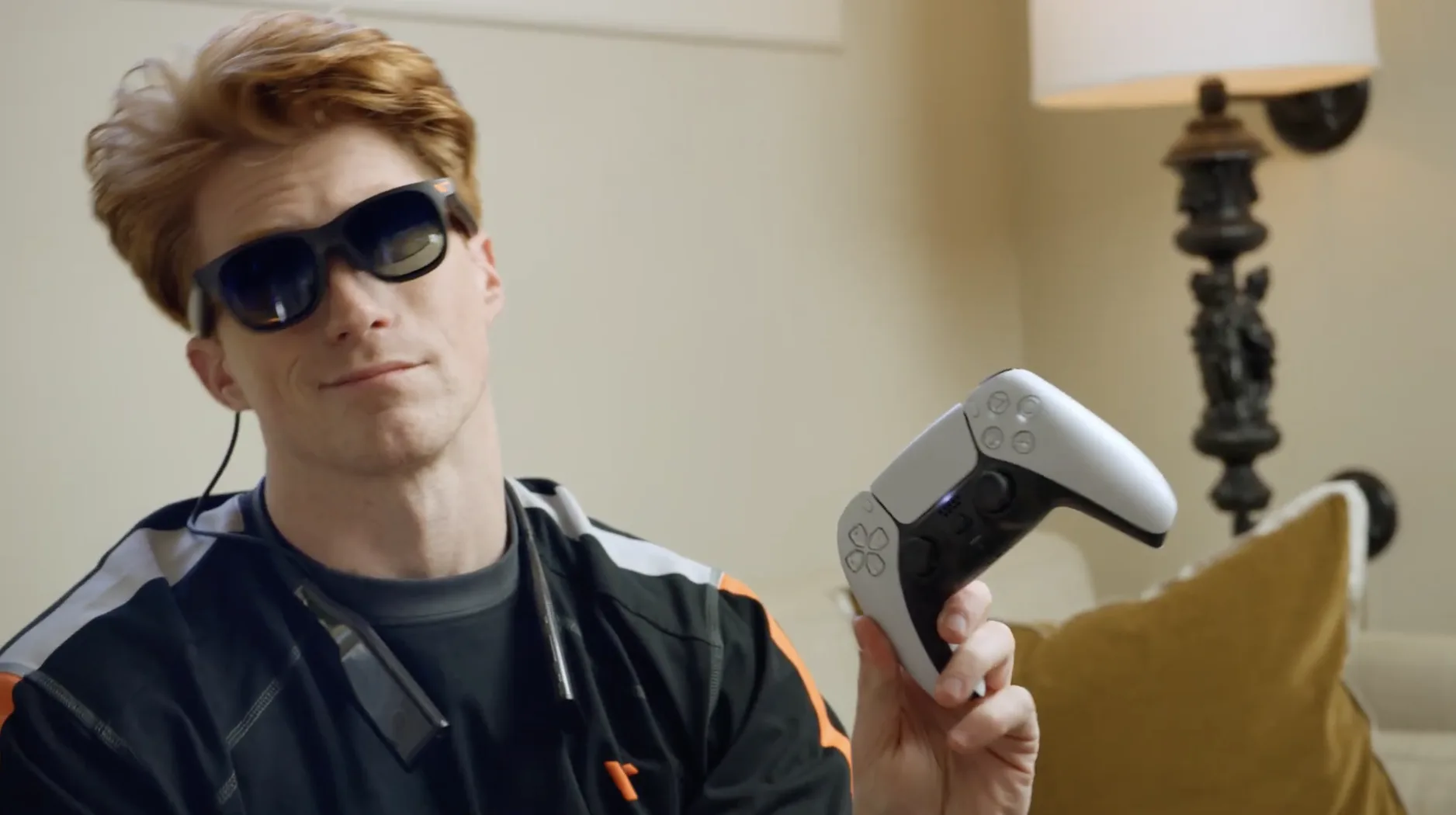
Whether it’s a PlayStation, XBox, Steam Deck, ROG Ally, Switch, or just your phone with a controller clipped on, VITURE glasses turn whatever’s in your hands into a portable, immersive display.

Choose Your Display

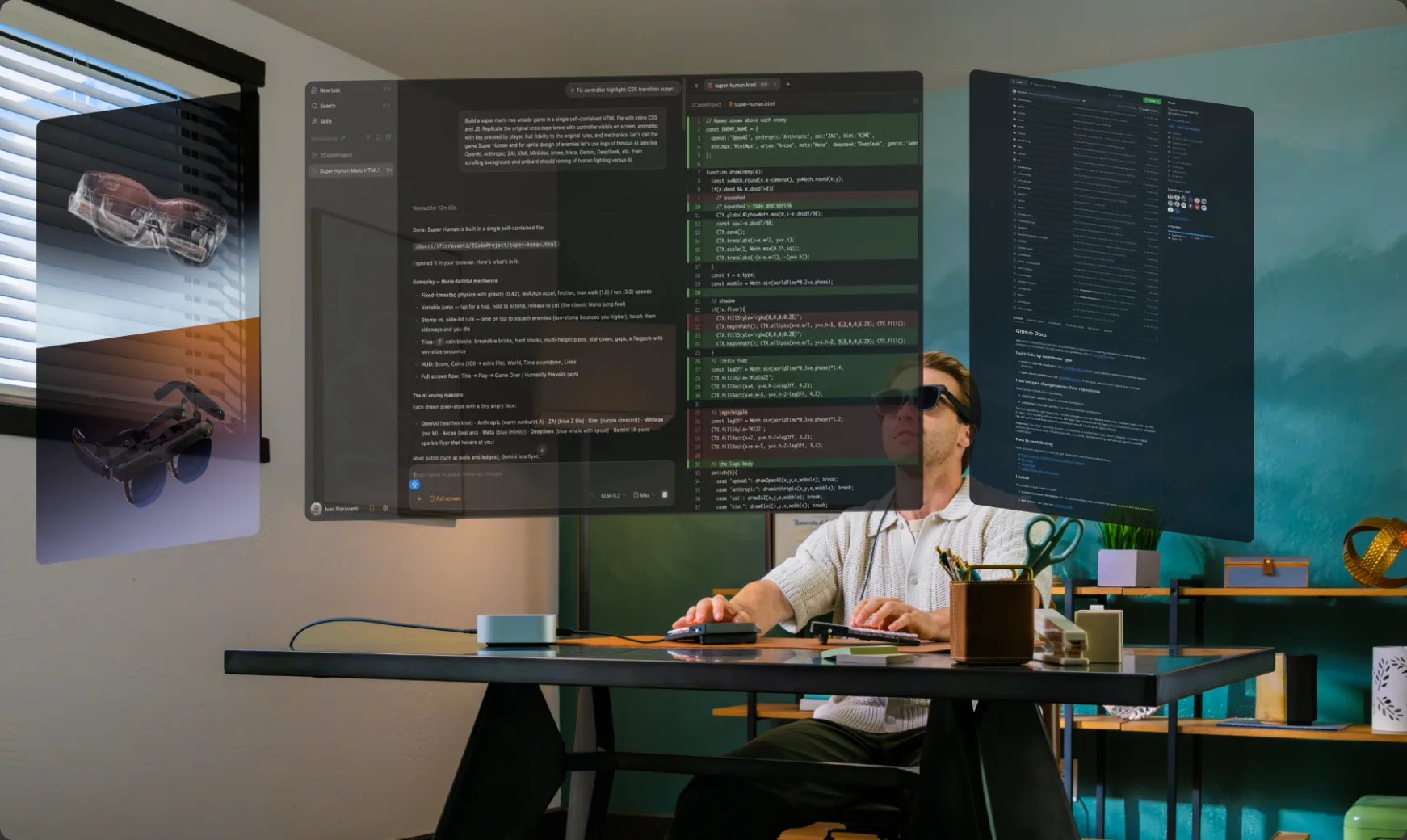
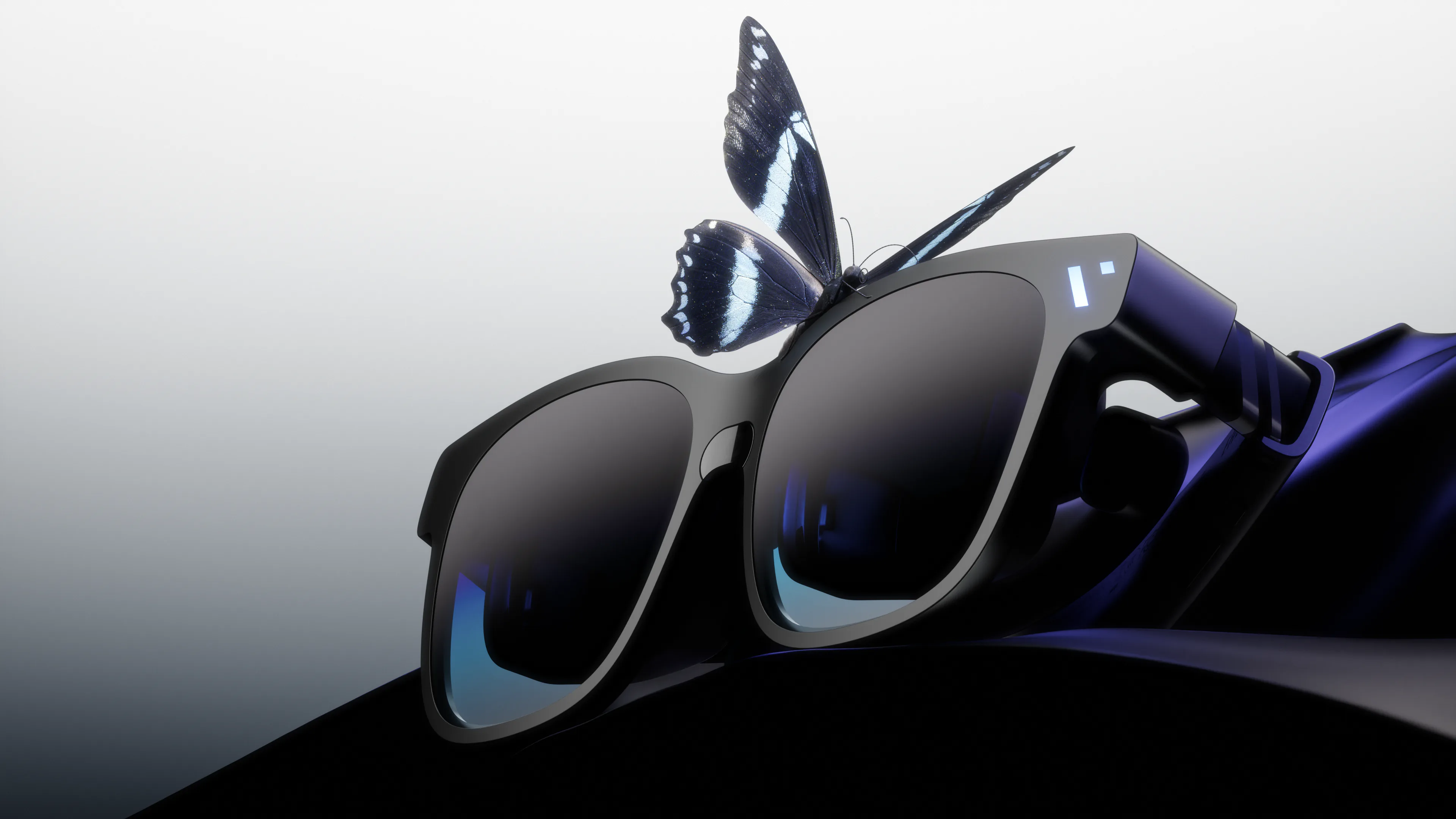
The Immersive Giant

The Beast

Our biggest, boldest, most customizable XR experience yet.

  • Biggest 174" Screen and 58° FOV
  • Massive 4K-like display with built-in 3DoF
  • Harman AudioEFX Spatial Audio for immersive sound
  • One display for movies, work, and play
The Gaming Setup

VITURE Glasses x Steam Deck/ROG Ally/Legion Go etc.

Plug InConnect directly via USB-C to your handhelds like Steam Deck/ROG Ally.
LaunchOpen your library. Steam, Epic Games, or any game already installed.
PlayEnjoy your games on a massive virtual display.

One Dock. Console-Ready.

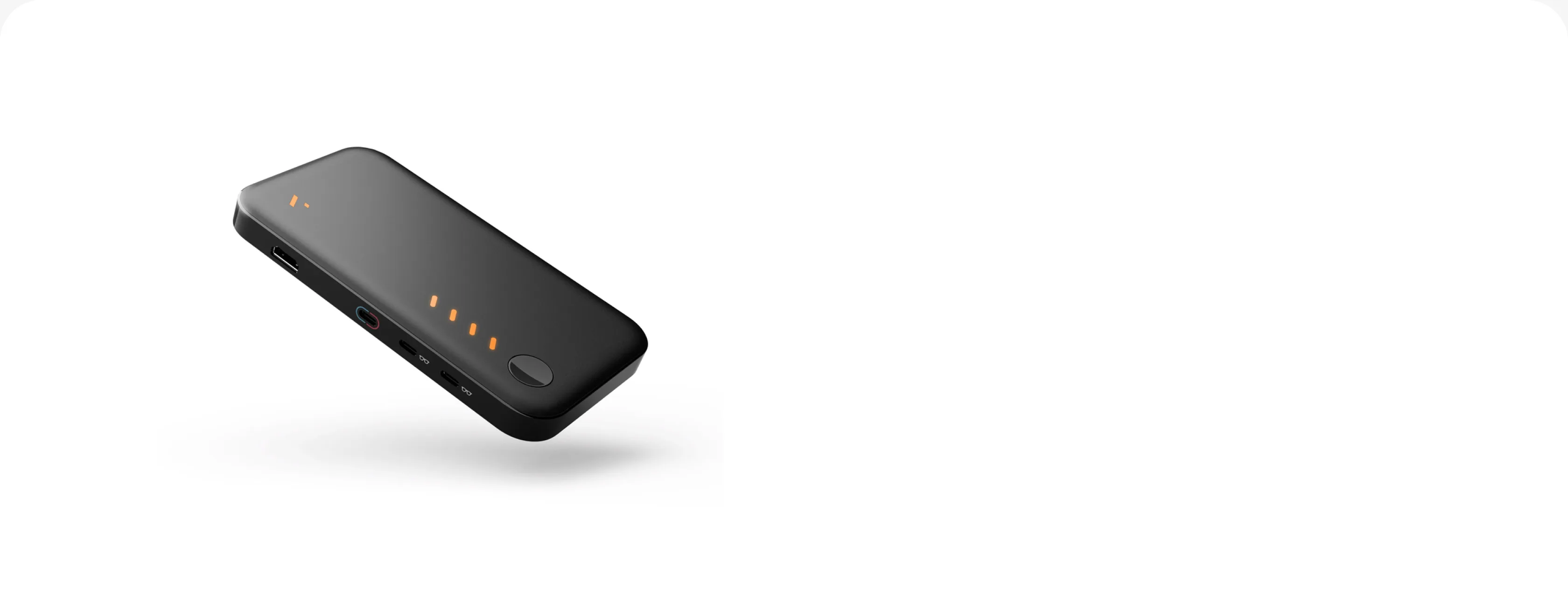
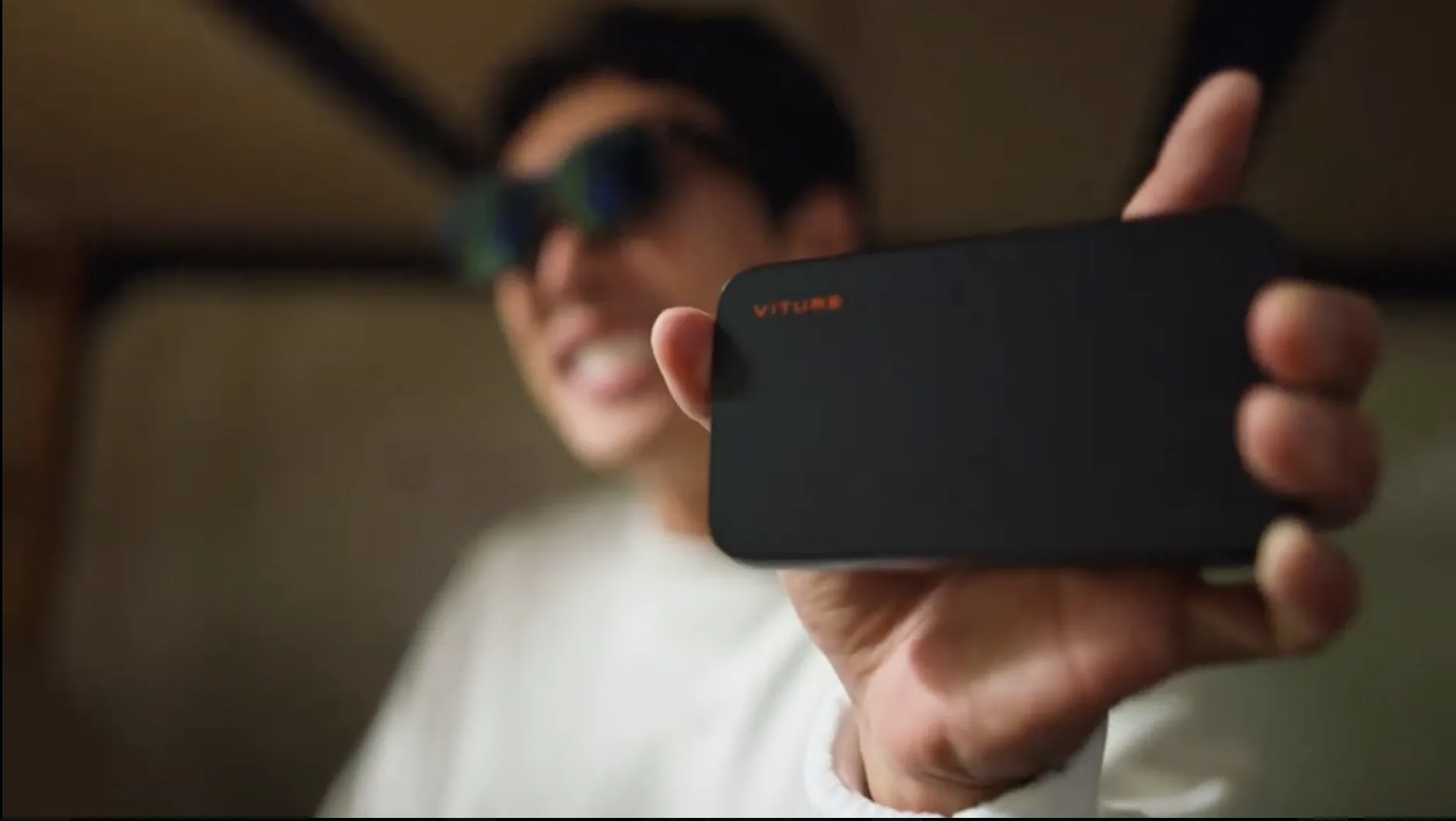
VITURE Pro Mobile Dock

  • Docks your console on the go
  • Add HDMI support to your PS5 and Xbox
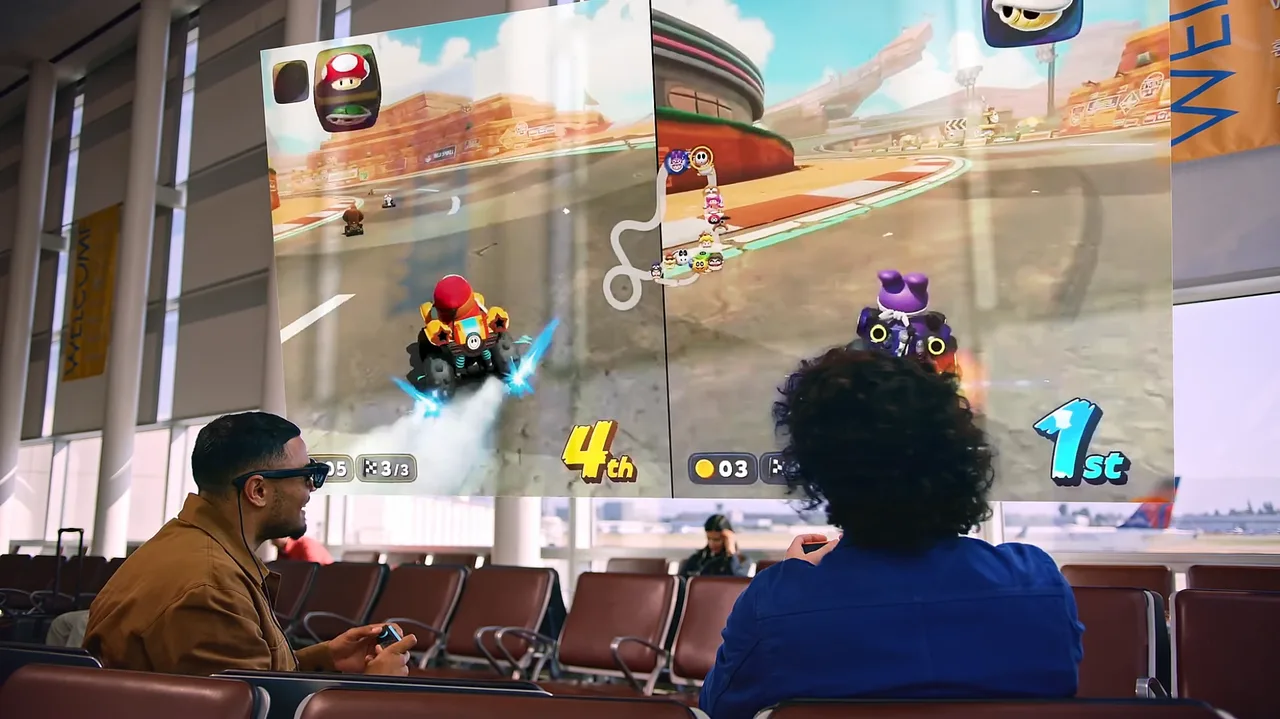
  • Unlocks local co-op on two pairs of glasses
  • Built-in power bank for hours of extra battery

Enjoy Everywhere. Even on the Cloud.

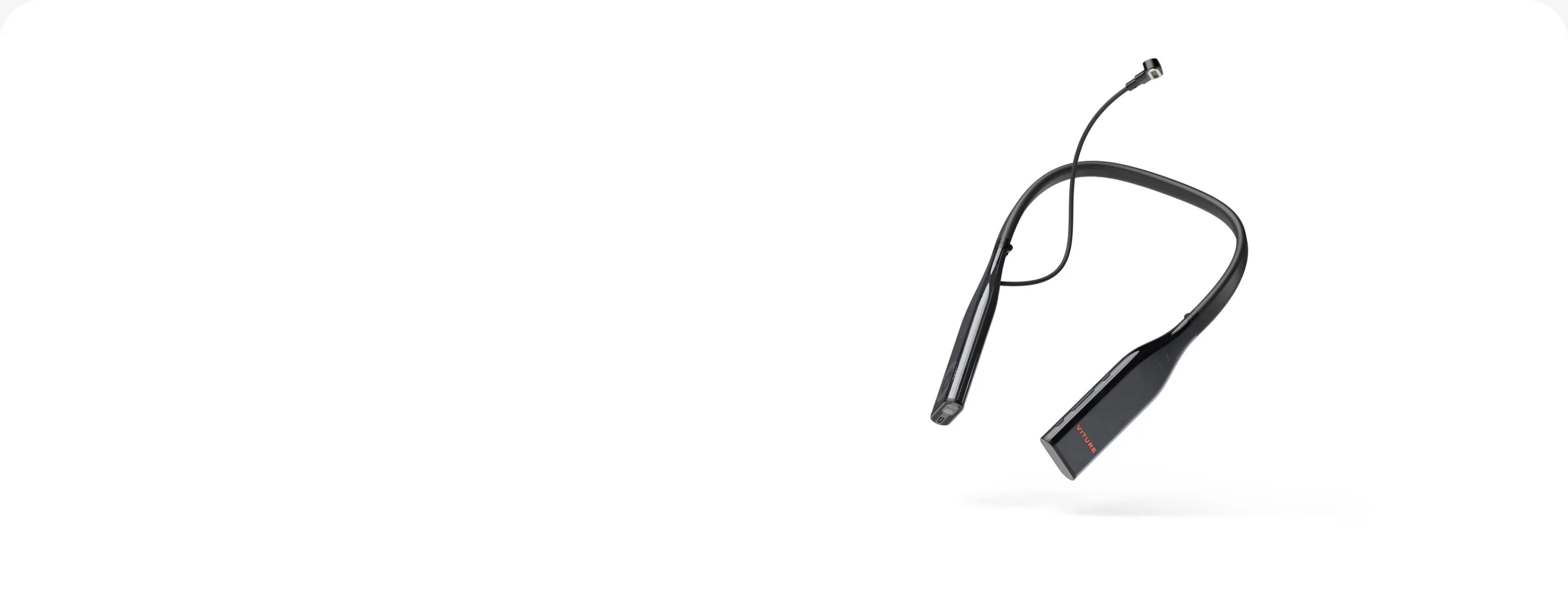
VITURE Pro Neckband

  • A lightweight wearable PC
  • Built in PSPLay and XBXPlay
  • Up to 12GB RAM and 256GB storage
  • Unlocks more cloud gaming titles within SpaceWalker

Your Phone. Your Handheld.

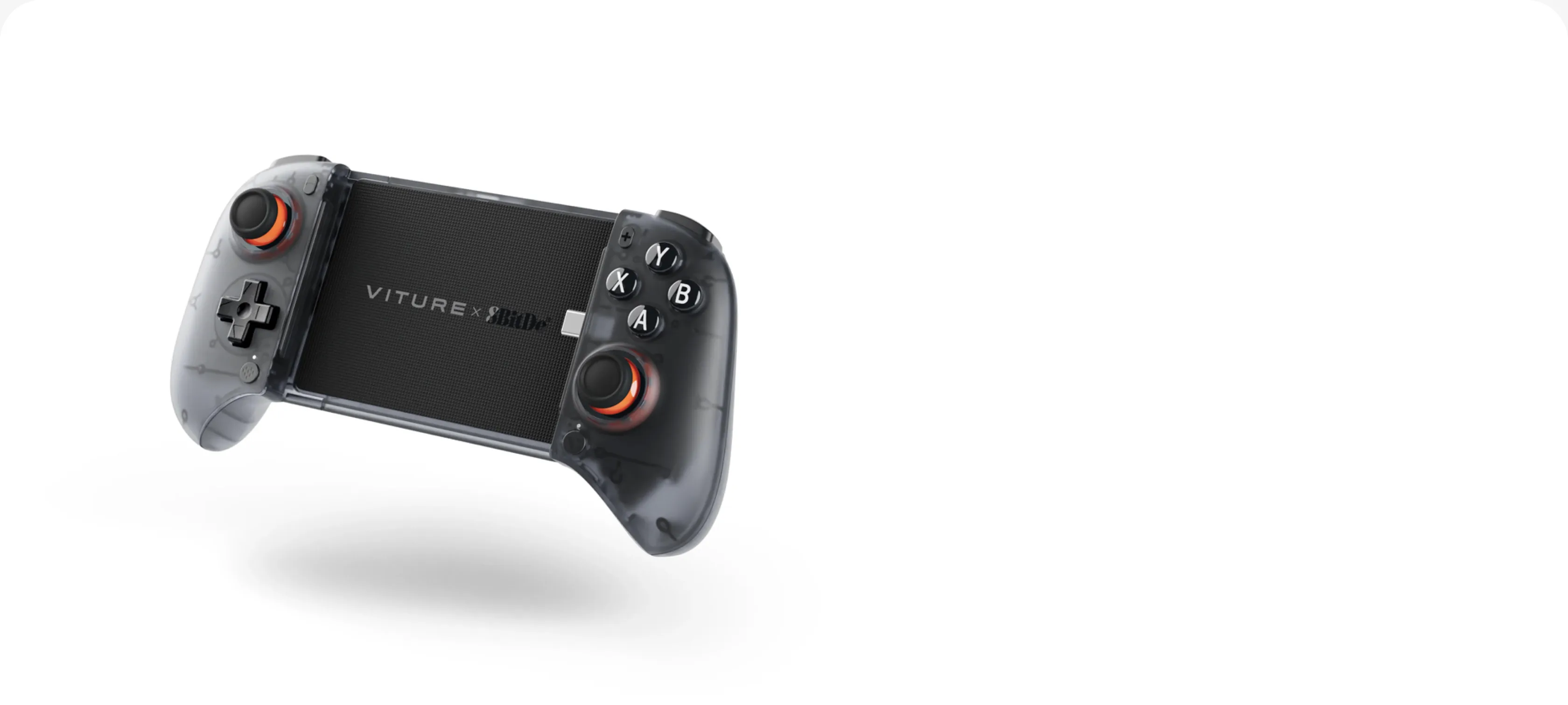
VITURE x 8BitDo

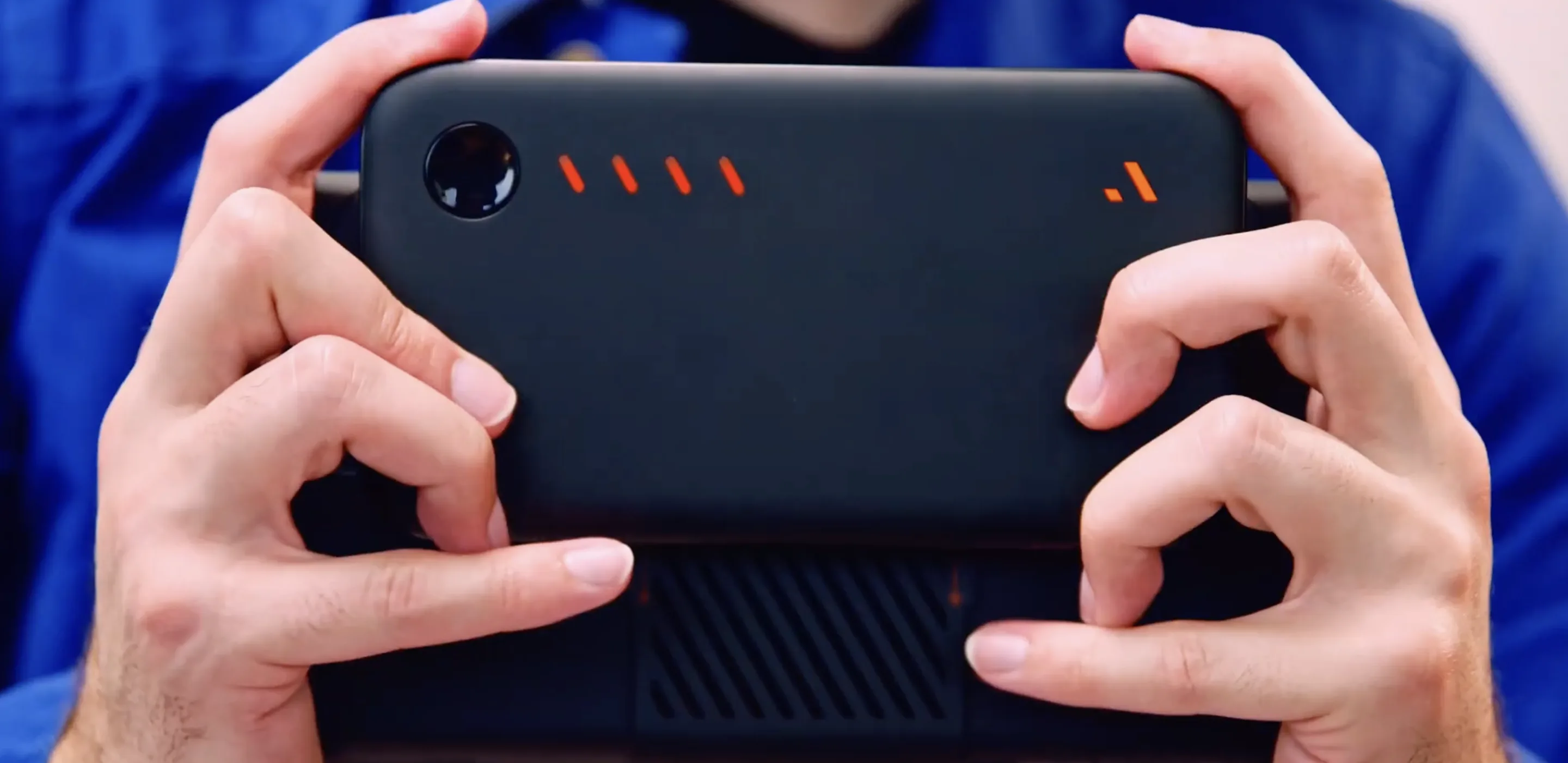
Ultimate Mobile Gaming Controller

  • Turns your phone into a handheld console
  • Versatile button mapping across multiple platforms
  • Smooth, clicky, lightweight
  • Works as a standalone controller too

Made for Switch 2. Even More Portable.

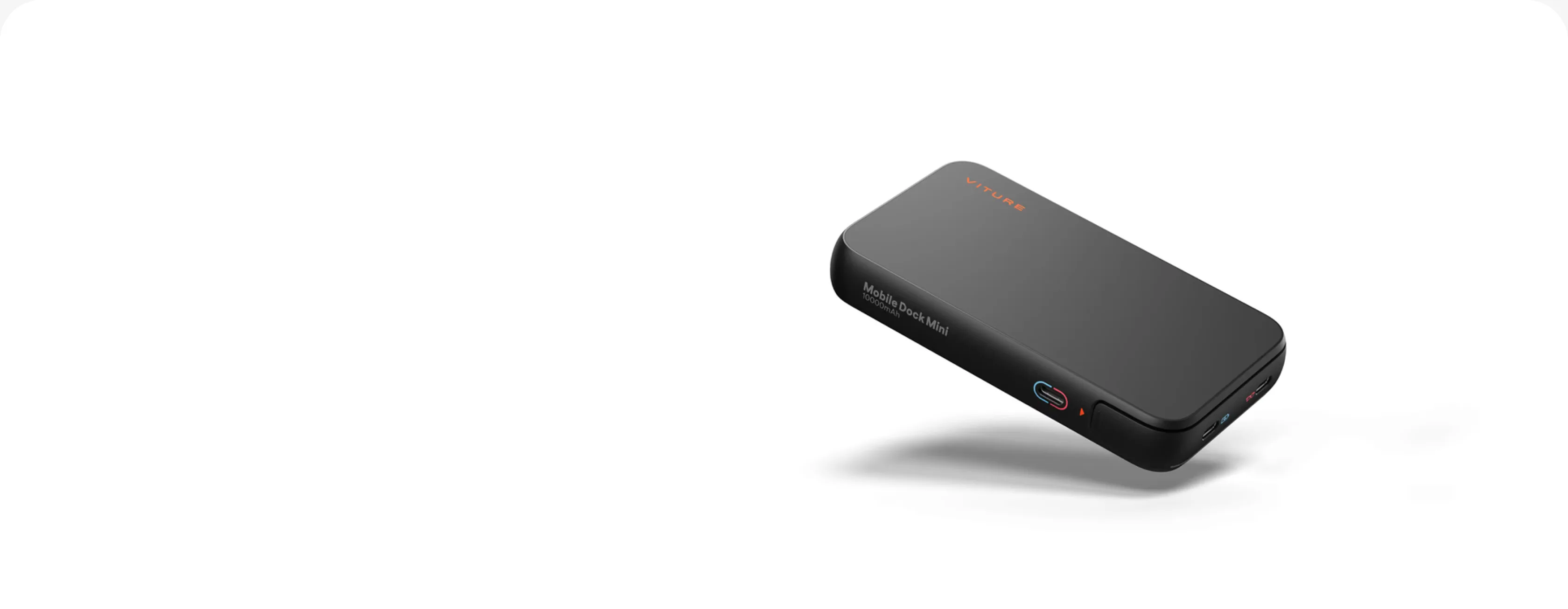
VITURE Mobile Dock Mini

  • Switch 2 on a Massive Screen. In Your Pocket
  • Magnetic mount, card-thin
  • Charge while you play
  • 2-in-1 adapter

Real Talk From the Community

More Gaming Essentials

View all products →

FAQ

Yes. The Steam Deck connects directly: plug the glasses into its USB-C port and your games appear on a massive virtual screen — no extra steps, no software to install. The same direct USB-C connection works with ROG Ally, Legion Go, USB-C Android phones, iPhone 15 or later (not the 16e or iPhone Air, which have no video output), and Windows laptops or MacBooks that output DisplayPort over USB-C. Devices without USB-C video output connect through a dock instead: Nintendo Switch and Switch 2 run in docked mode through the VITURE Pro Mobile Dock or Mobile Dock Mini, while PS5, Xbox, Fire TV, and Chromecast use the Pro Mobile Dock’s HDMI input. For the full device list, see our compatibility page.

Yes, through the VITURE Pro Mobile Dock’s HDMI input. PS5, Xbox, Fire TV, Chromecast, and other HDMI devices connect to the dock, and the glasses turn them into a private big screen — no TV needed. You can look up your console, handheld, phone, or laptop on our compatibility page. To play those same games away from home, see our Remote Play & Cloud Gaming setup.

No. Your handheld sees the glasses as an external display, so Steam, Epic Games, or anything already installed just opens on the big screen. On SteamOS, the Beast’s built-in 3DoF and native support for community plug-ins like Decky Loader add head tracking on top. On Windows, SpaceWalker adds multi-screen and head tracking.

All of them plug in the same way, so pick by picture and fit. The Beast is the most immersive, with a 174-inch virtual screen, a 58° FOV, and native 3DoF. The Pro 2 is the thinnest and lightest at 63g, with the brightest display at 1,600 nits for long sessions. The Luma Ultra is the AR flagship, with a front RGB camera and dual depth cameras; its 6DoF spatial tracking runs through SpaceWalker Desktop or the VITURE Pro Neckband.

The VITURE Pro Mobile Dock carries a 13,000mAh battery: up to 4 hours with Steam Deck, up to 8 hours with Nintendo Switch, and up to 20 hours with HDMI devices. The Mobile Dock Mini packs 10,000mAh and charges your console while you play.

The VITURE Pro Mobile Dock is the full-size hub: an HDMI input for PS5, Xbox, and TV sticks, two glasses outputs for local co-op, and a 13,000mAh battery. The Mobile Dock Mini is the travel option — 34% smaller and 30% lighter, with an optional card-thin magnetic mount, a 2-in-1 adapter, and a single glasses output for solo play.

All of them plug in the same way, so pick by picture and fit. The Beast is the most immersive, with a 174-inch virtual screen, a 58° FOV, and native 3DoF. The Pro 2 is the thinnest and lightest at 63g, with the brightest display at 1,600 nits for long sessions. The Luma Ultra is the AR flagship, with a front RGB camera and dual depth cameras for 6DoF spatial tracking.

Yes. The Pro 2 has built-in diopter adjustment from 0 to −5.00D and the Luma Ultra adjusts up to −4.00D, so you dial in your prescription on the glasses themselves. The Beast comes with a prescription lens frame in the box, ready for lenses made by your own optician.

Explore More Scenarios

Help Me Choose.

Not Sure Which VITURE XR Glasses To Choose?

Tell us what you want to do and what type of device you have and we'll help you find the right products for you.

Subscribe & Save 10%

Be the First to Know

By subscribing you agree to our Privacy Policy and provide consent to receive updates from our company