The Winning Combo
Order Now

Shop by Scenario

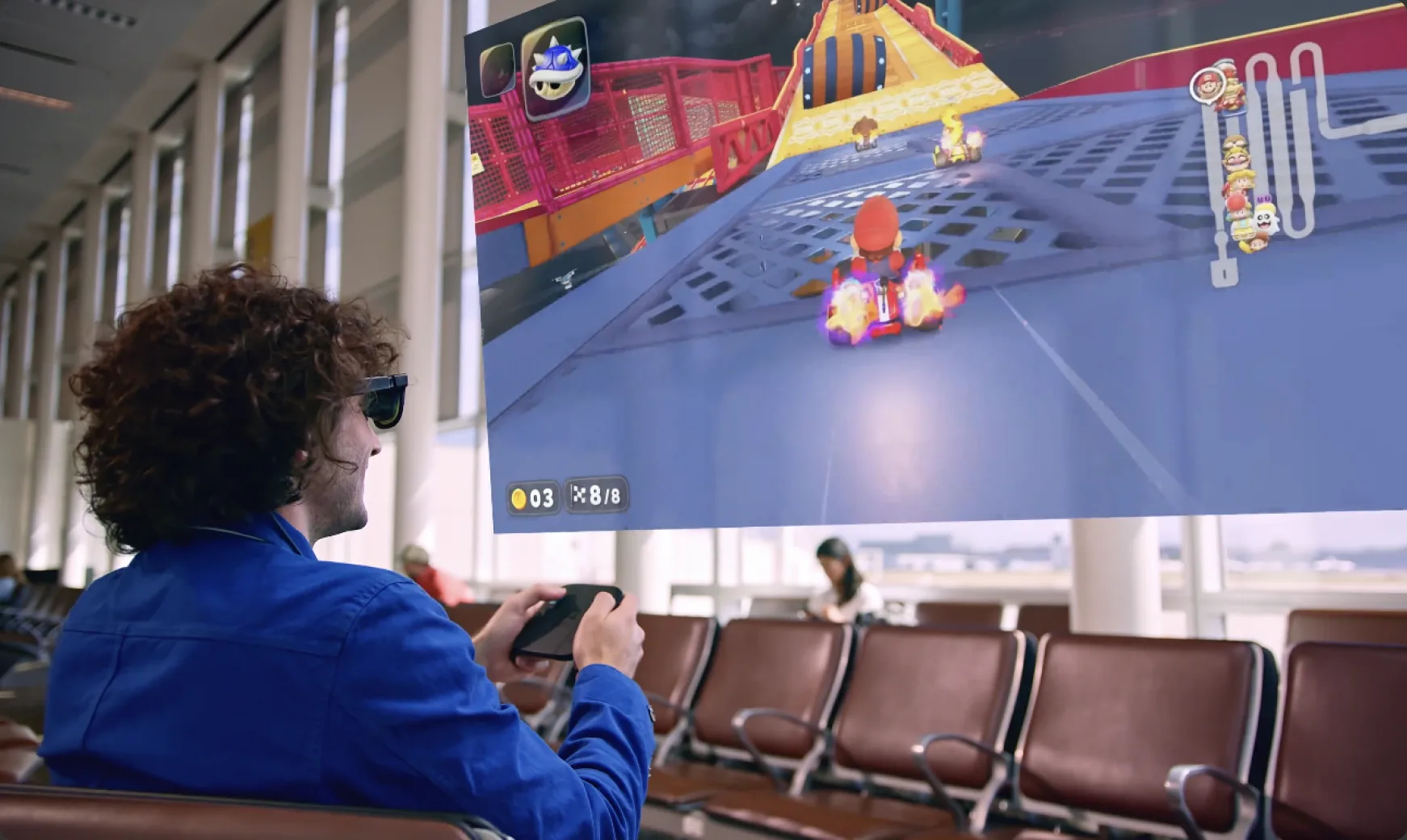
AR Glasses for Remote Play & Cloud Gaming

The power of your console in the palm of your hand.

Why VITURE for Remote Play & Cloud Gaming

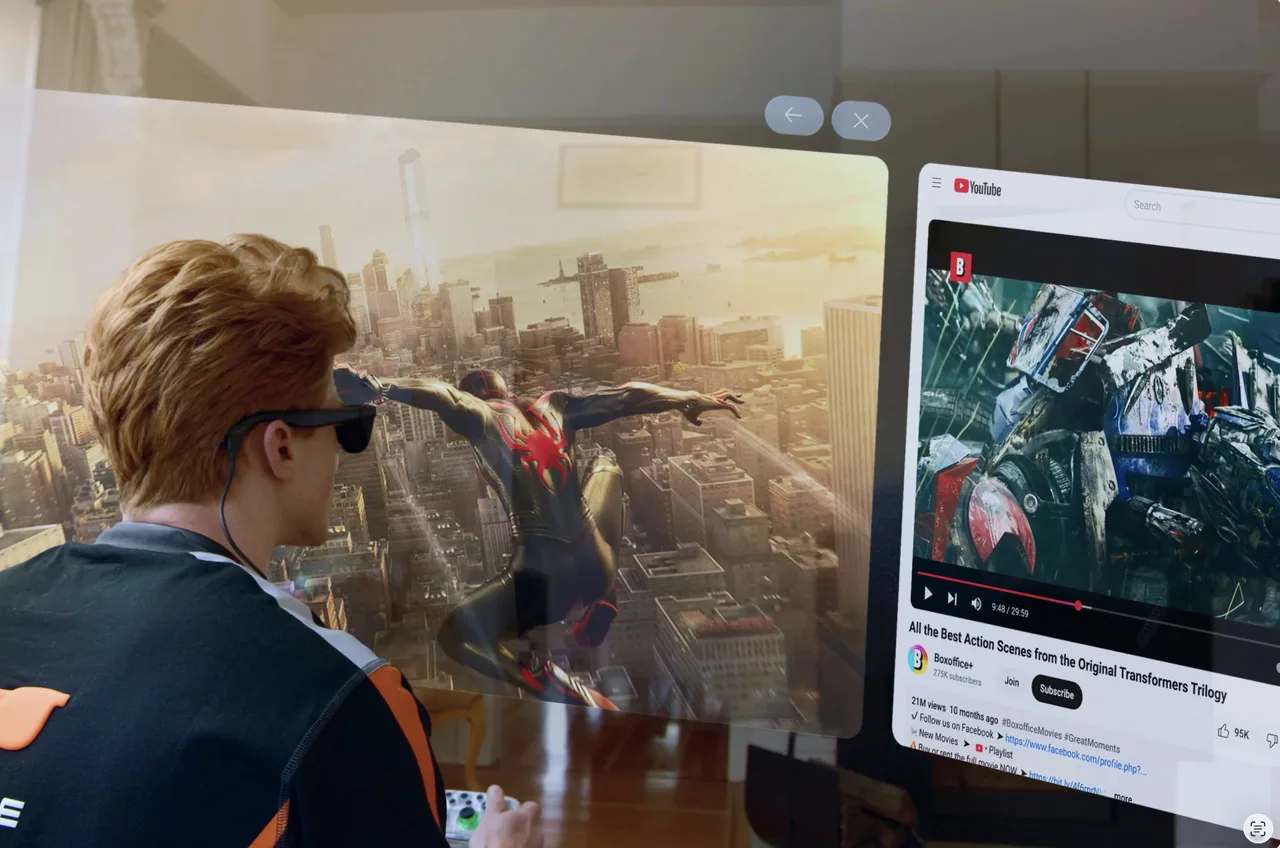
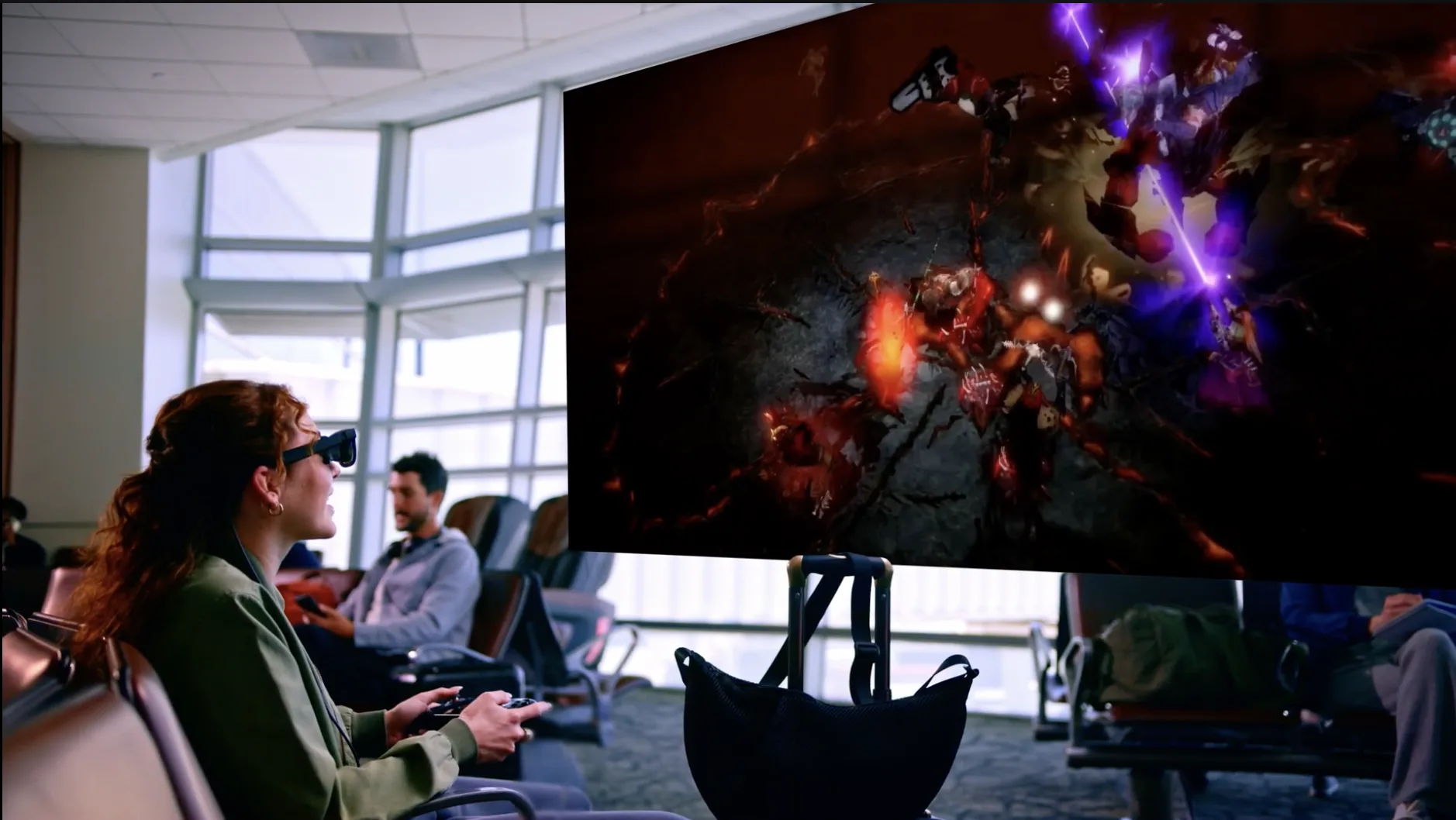
Taking your full library of AAA games on the go has never been easier. Enjoy your favorite games on a massive virtual display, wherever you are.

Choose Your Display

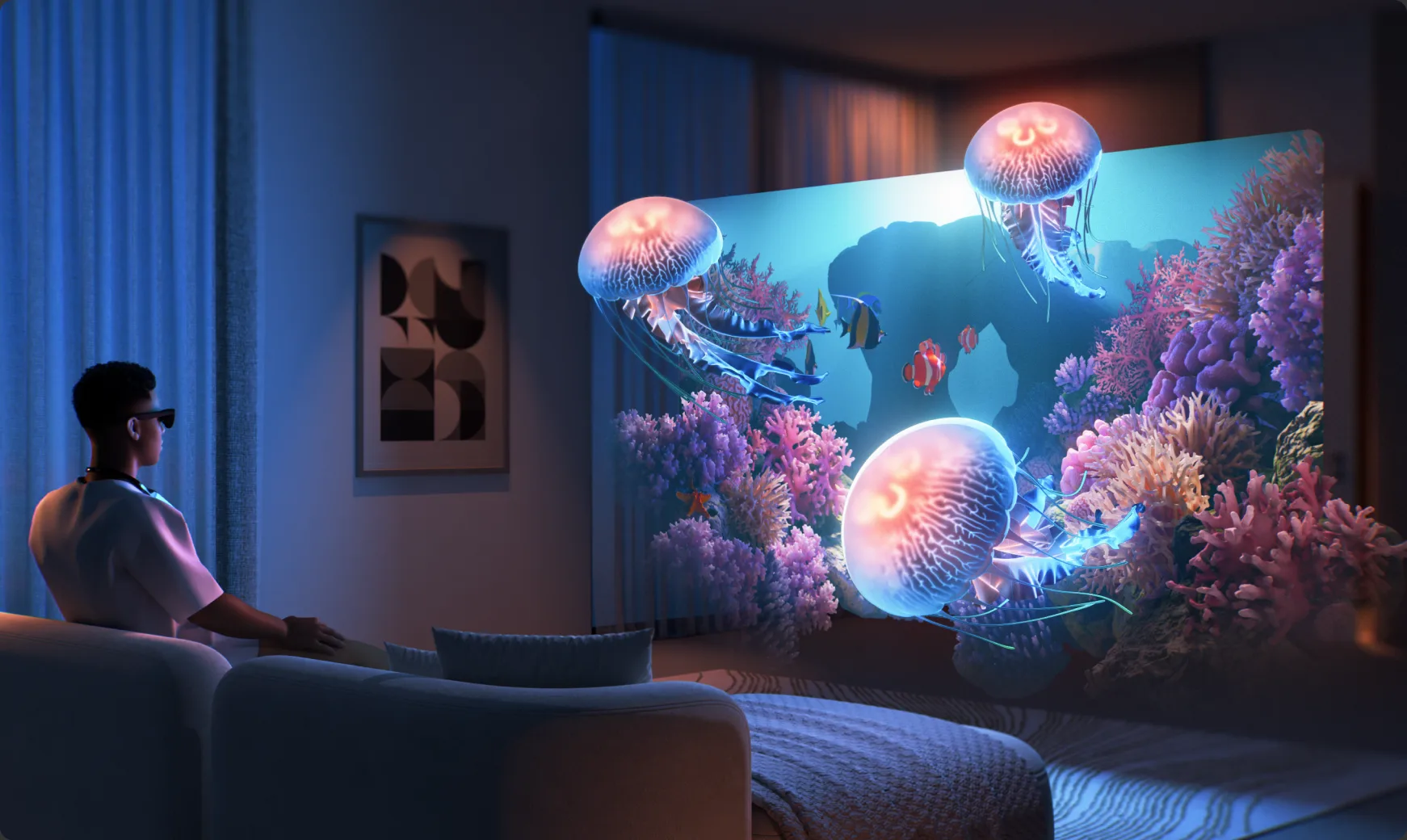
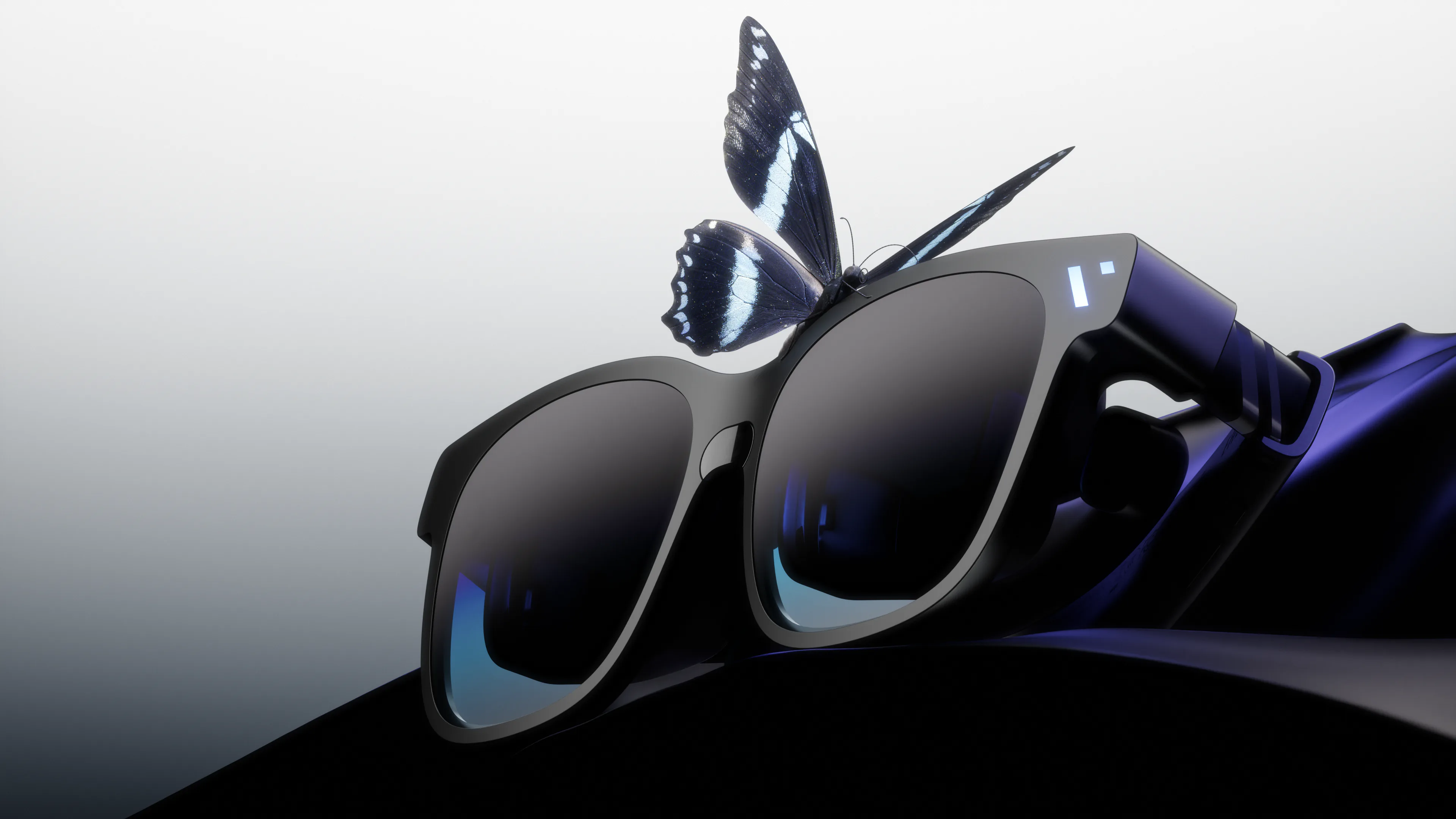
The Immersive Giant

The Beast

Our biggest, boldest, most customizable XR experience yet.

  • Biggest 174" Screen and 58° FOV
  • Massive 4K-like display with built-in 3DoF
  • Harman AudioEFX Spatial Audio for immersive sound
  • One display for movies, work, and play
Remote Play, Cloud Gaming. Built Right In.

VITURE Glasses x Bluetooth Controller

ConnectPair your bluetooth game controller.
LaunchOpen the Xbox Remote Play or Cloud Gaming icon within the SpaceWalker Dock.
PlayEnjoy your games on a massive virtual display.

Level Up Your XR Gaming.

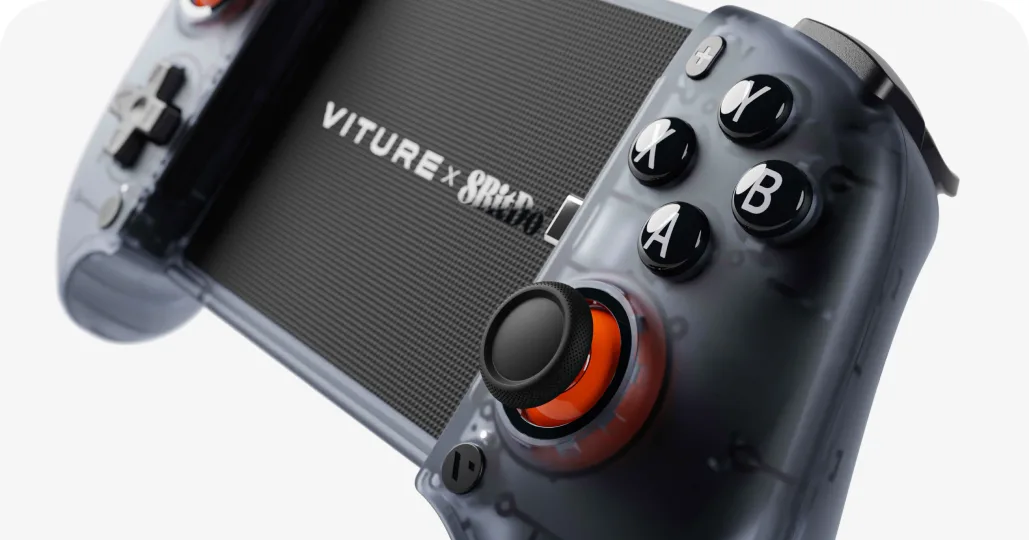
VITURE x 8BitDo

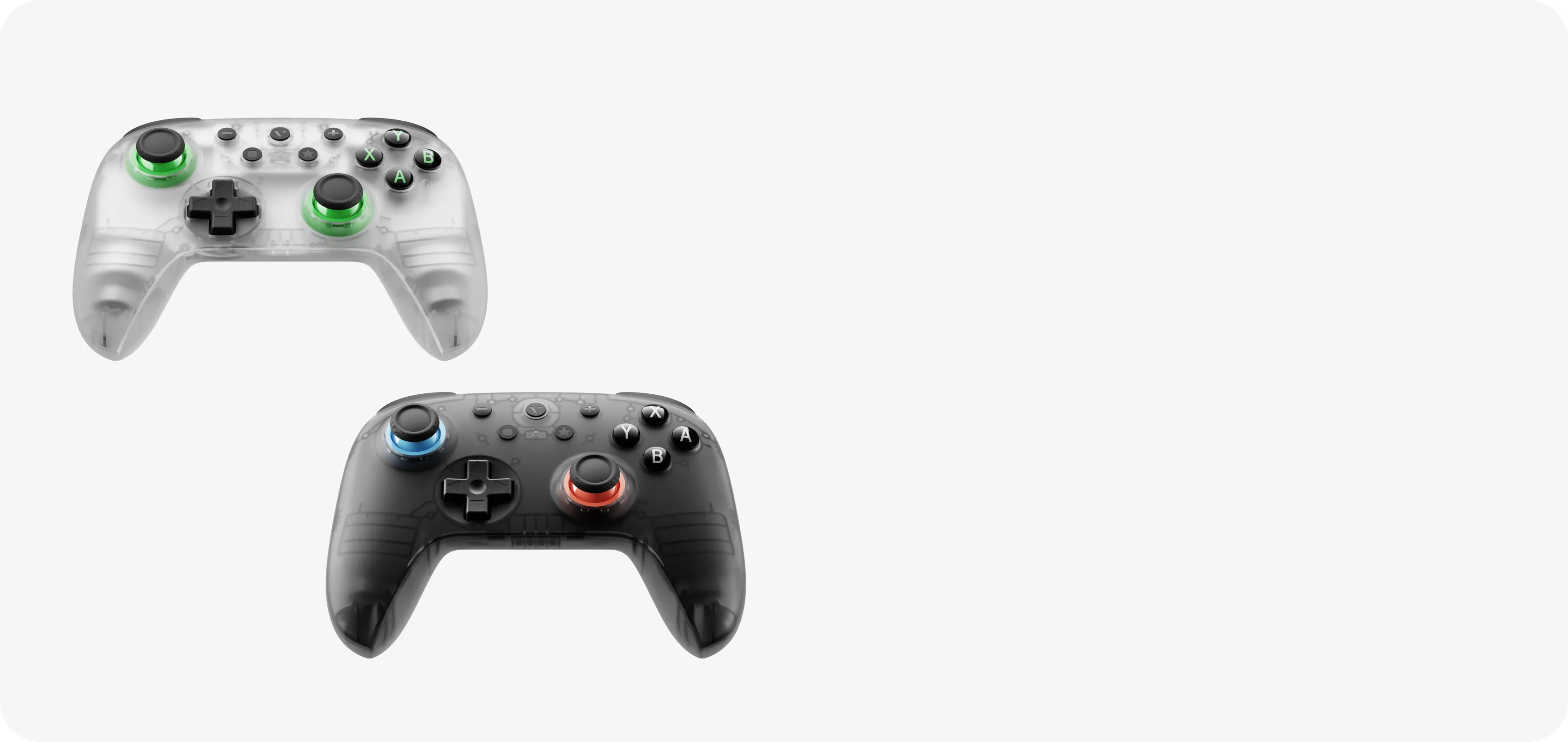
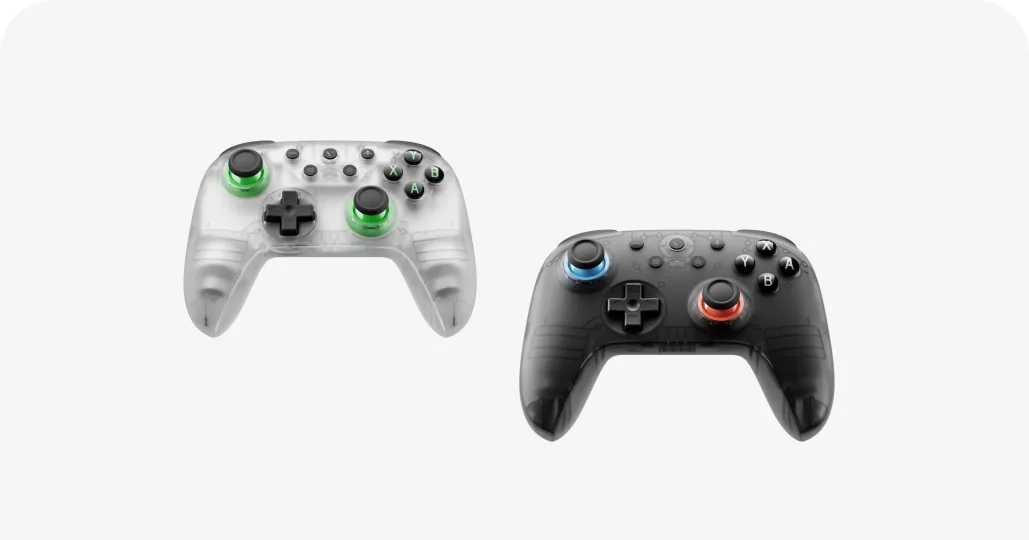
Ultimate 2C Wireless Controller

  • Capable of both wired and Bluetooth connectivity
  • Multiple layouts for XBox, PC, Android & Switch
  • Up to 32 hours of playtime
  • Seamless support with the VITURE Pro Neckband

Off the Couch. Still Connected.

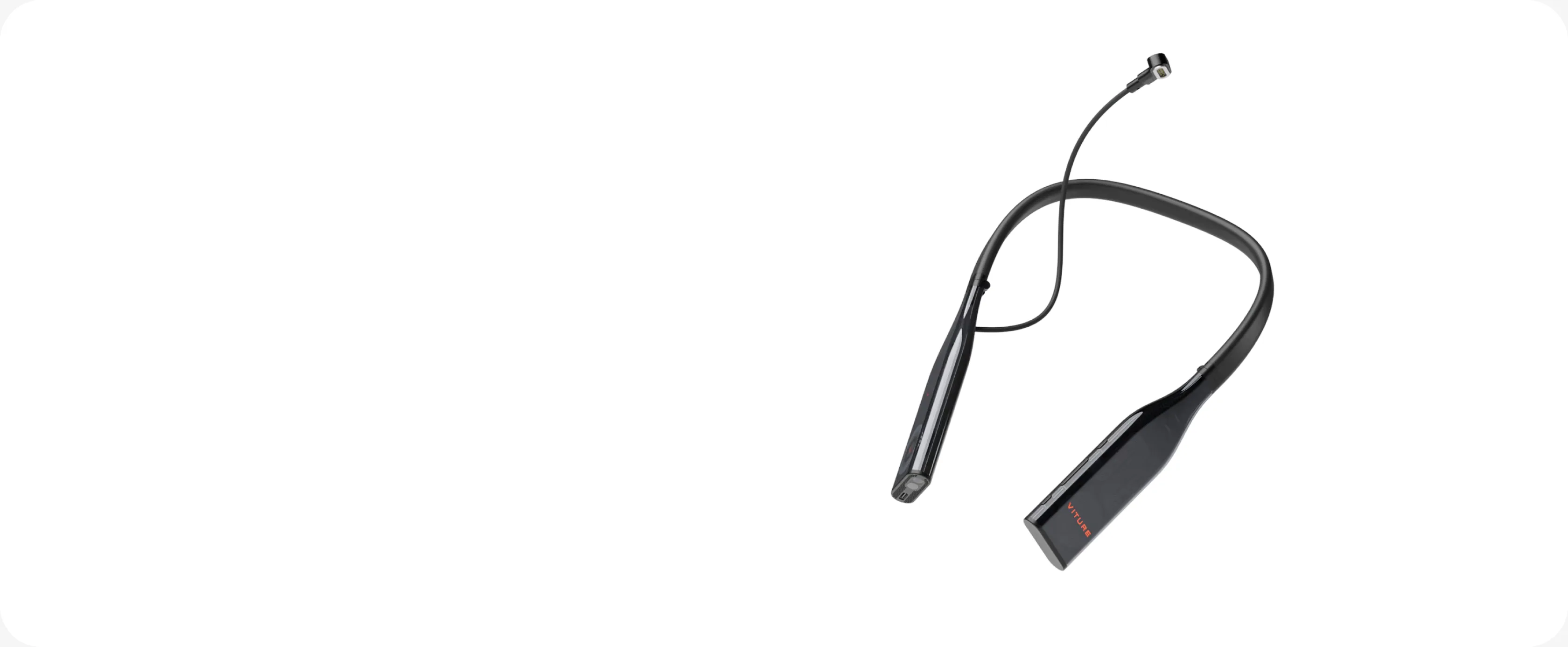
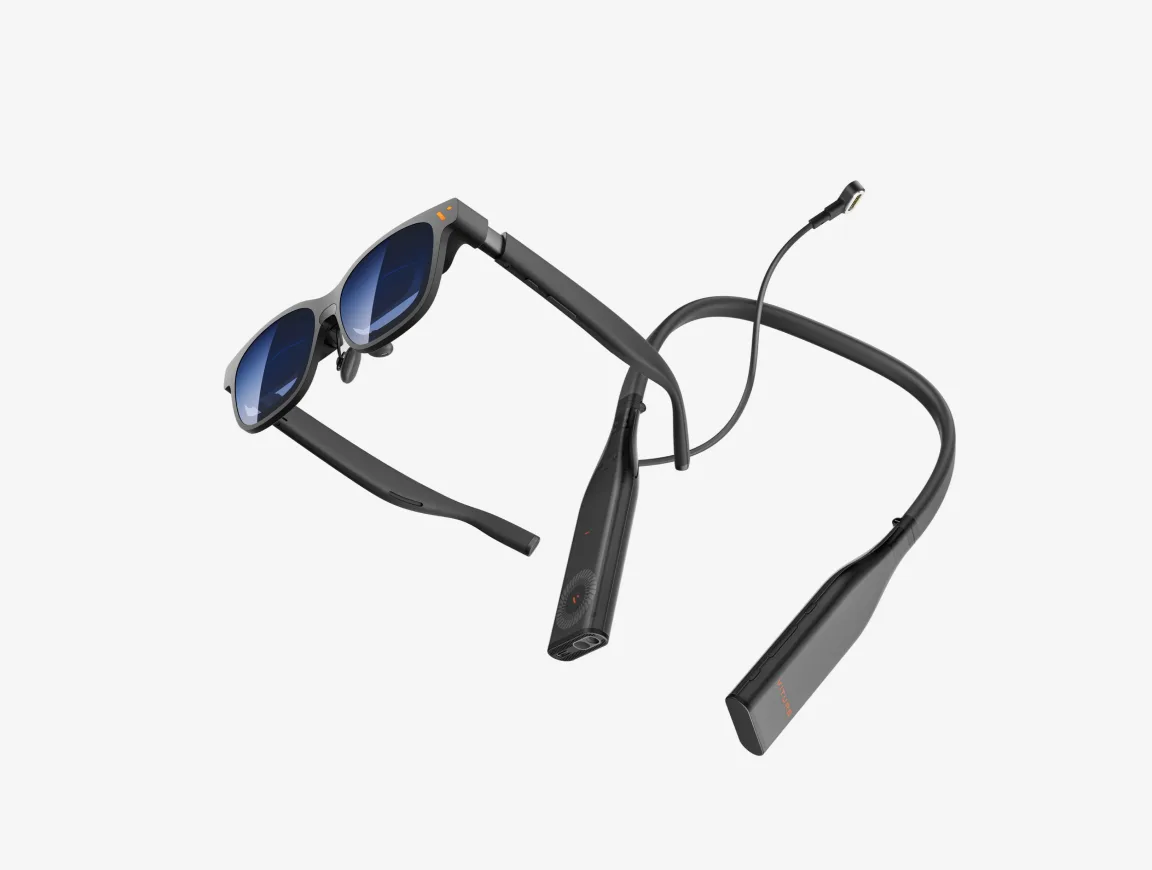
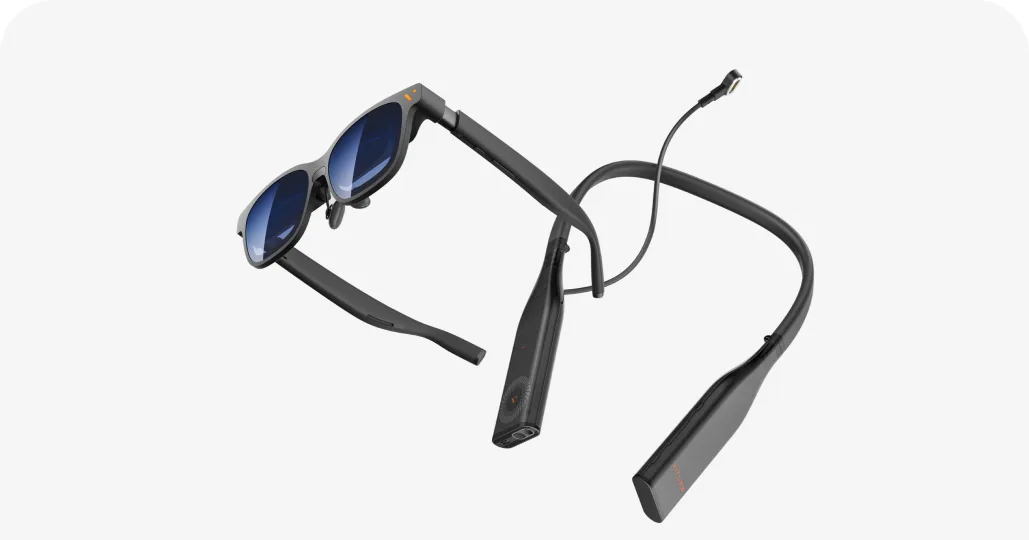
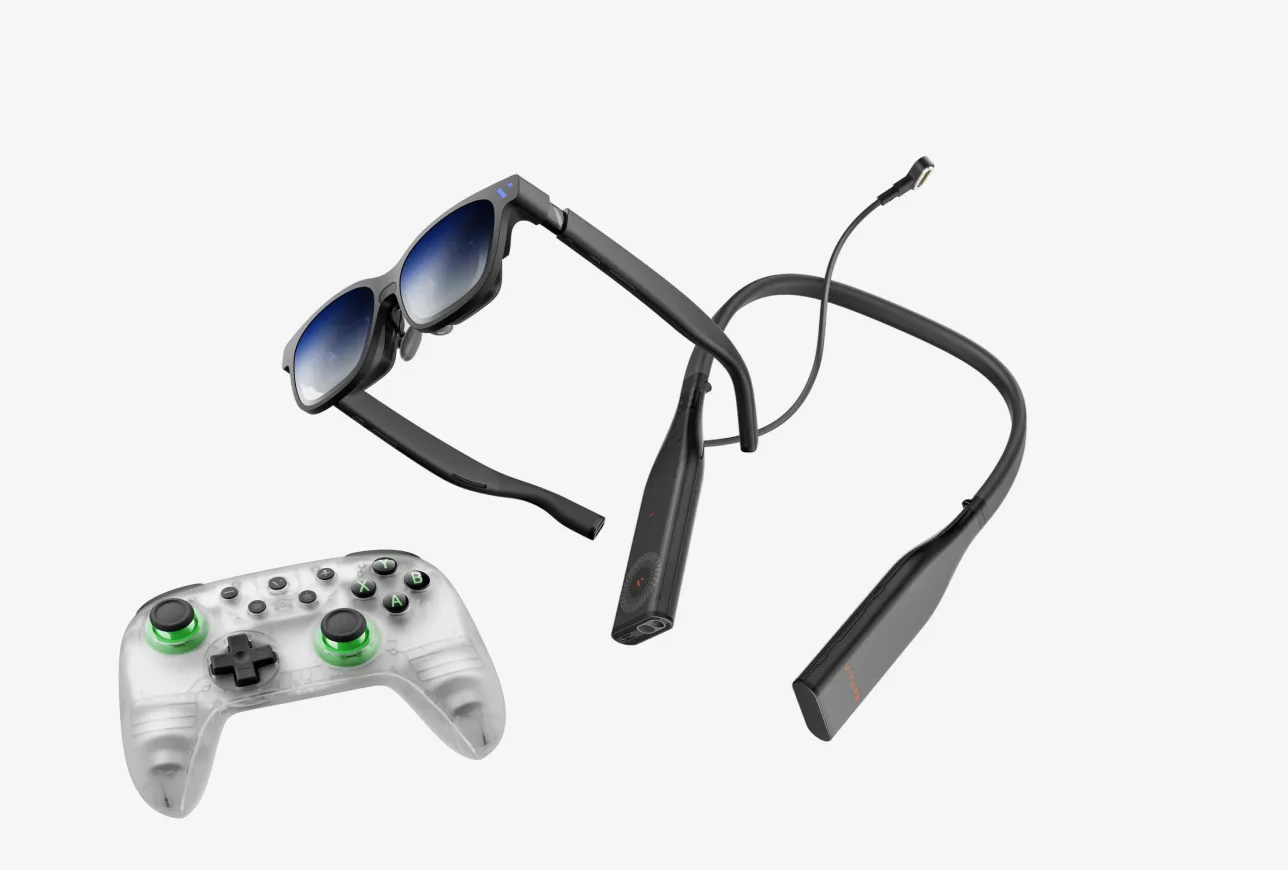
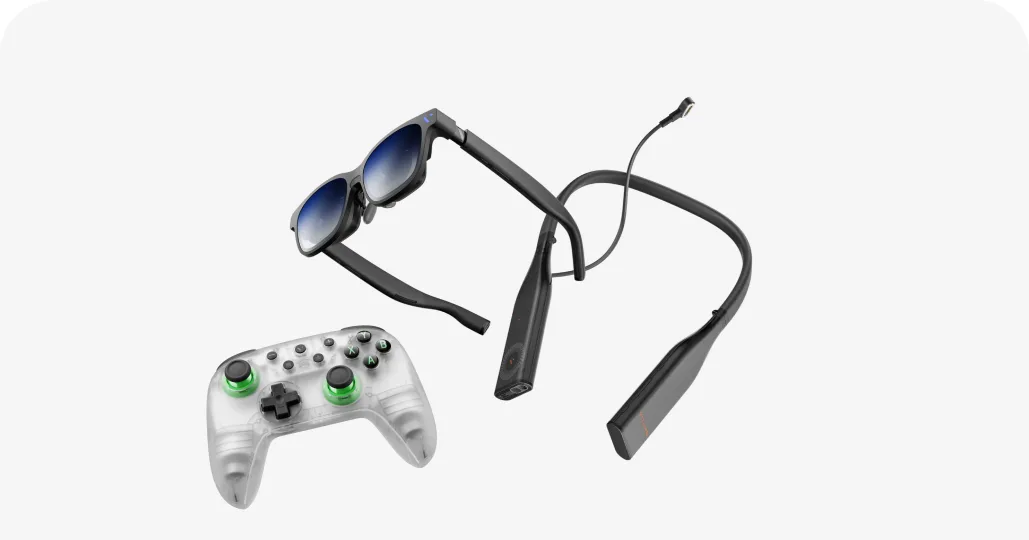
VITURE Glasses x Pro Neckband

Pair ItConnect your Bluetooth controller.
ConnectConnect remotely to your home console or PC and pick up right where you left off, or cloud game anywhere over Wi-Fi 6E.
PlayEnjoy your games on a massive virtual display, even in another room.

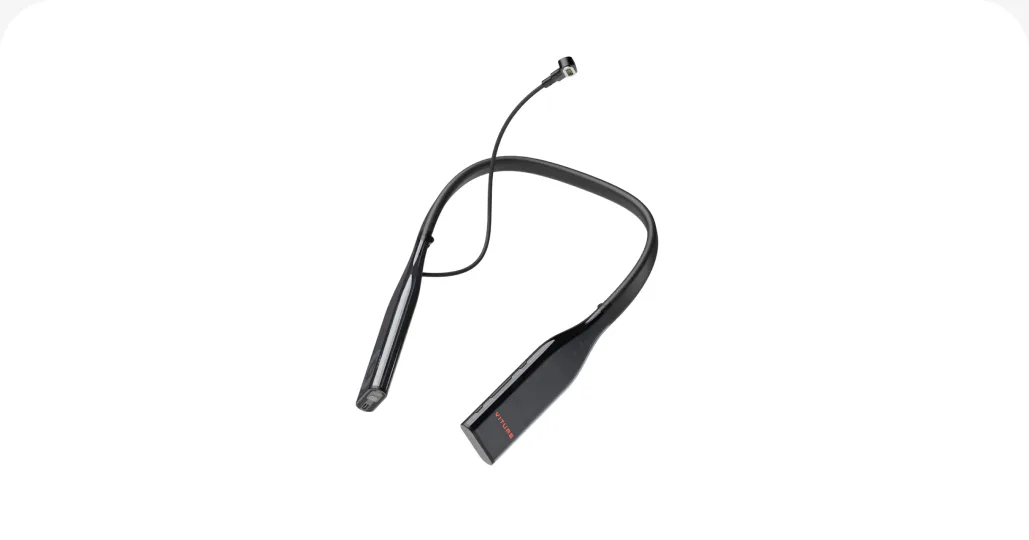
VITURE Pro Neckband

  • A lightweight wearable PC.
  • Built in PSPLay and XBXPlay.
  • Up to 12GB RAM and 256GB storage
  • Unlocks more cloud gaming titles within SpaceWalker

Everything You Need, Packed In

Beginner Setup

VITURE Pro 2 Cloud Pack

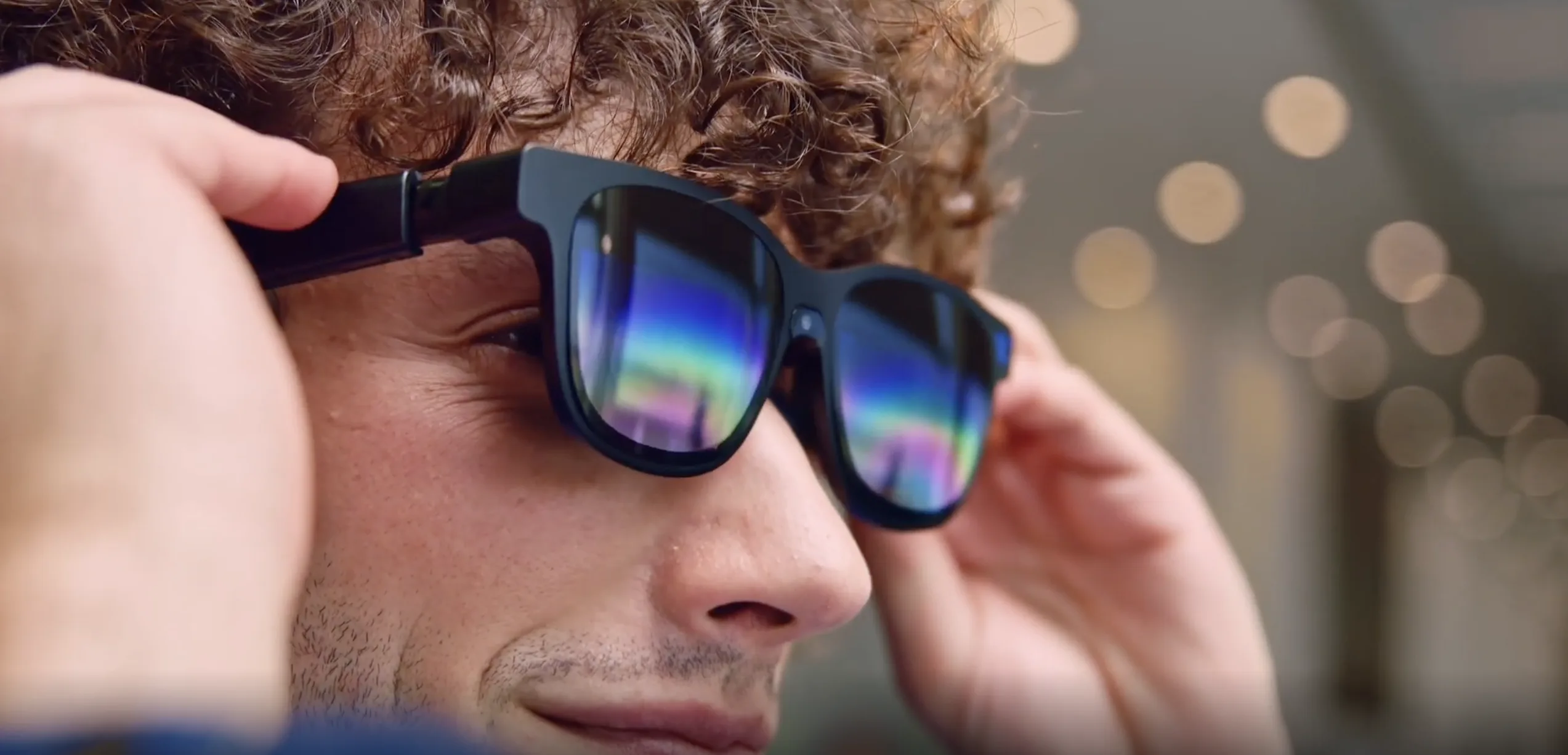
  • Thinnest XR Glasses ever
  • UltraClarity 3.0 micro-OLED display
  • Built-in diopter adjustment from 0 to −5.00D
  • Built-in PXPlay and XBPlay

Flagship Setup

VITURE Beast Cloud Pack

  • Biggest 174" screen and 58° FOV
  • Massive 4K-like display with built-in 3DoF
  • Free VITURE Controller inside the pack
  • Built-in PXPlay and XBPlay

No Controller? Turn Your Phone Into One.

VITURE Glasses x 8BitDo Ultimate Mobile Gaming Controller

Clip InMount your phone onto the controller.
Plug InConnect your VITURE glasses to your phone.
PlayLaunch PS Remote Play, Xbox App, or Steam Link and stream your home console on a massive virtual display.
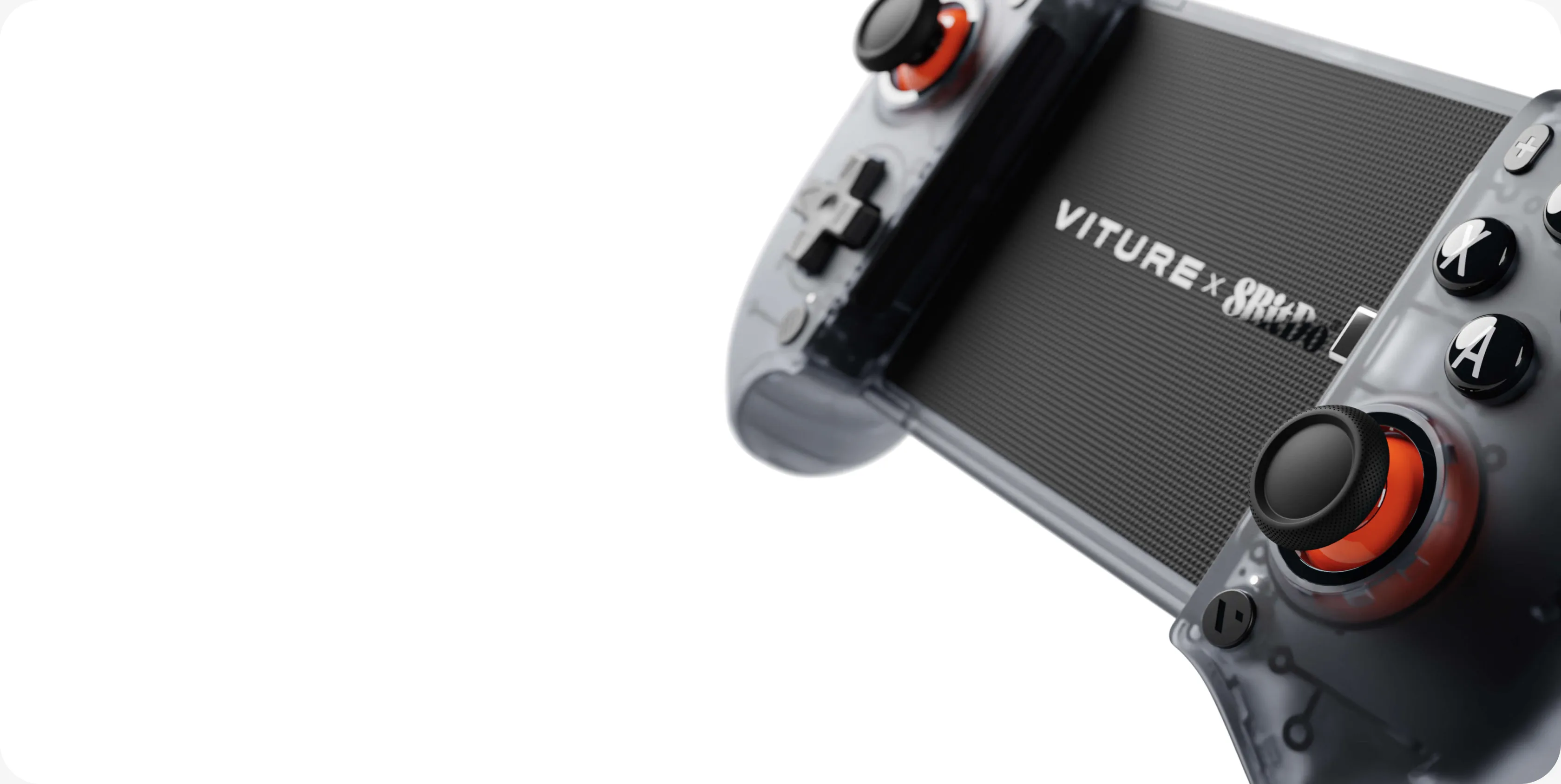
VITURE x 8BitDo

Ultimate Mobile Gaming Controller

  • Turns your phone into a handheld console.
  • Smooth, clicky, lightweight.
  • Hall Effect triggers & joysticks.
  • Versatile button mapping across multiple platforms.
  • Works as a standalone controller too.

Real Talk From the Community

More Gaming Essentials

View all products →

FAQ

Yes — that’s what the VITURE Pro Neckband is for. It’s a standalone Android computer that drives the glasses on its own, so your phone stays free for calls and messages and there’s no laptop in your bag. It clips to your glasses through the magnetic connector (an adapter is included for USB-C glasses), reaches your home console or PC over Wi-Fi 6E, and runs cloud gaming services anywhere you have Wi-Fi.

Three steps. First, connect the glasses to whatever you’re streaming from — an iPhone 15 or later, an Android phone with USB-C DisplayPort output, a PC, or the VITURE Pro Neckband. Second, pair a Bluetooth controller. Third, open your app and sign in. On iPhone, SpaceWalker has Xbox Remote Play and Xbox Cloud Gaming icons built into the Dock (Xbox Cloud Gaming requires an eligible Xbox Game Pass plan from Microsoft and is limited to supported regions). On Android, PC, and the Pro Neckband, use PS Remote Play, the Xbox app, Steam Link, PXPlay (formerly PSPlay), XBXPlay, or Moonlight.

For remote play, keep your console and your streaming device on the same 5GHz Wi-Fi network — it’s faster and more stable than 2.4GHz. The VITURE Pro Neckband connects over Wi-Fi 6E, so it can use the less crowded 6GHz band when your router supports one. In apps like PXPlay and XBXPlay, setting resolution to 1080p, refresh rate to 60fps, and enabling HEVC keeps the picture smooth. Cloud gaming runs on your internet connection rather than your home network, so speeds at a hotel or café will vary. Either way, lag is a network question: the glasses display whatever your source sends them.

Your glasses have no battery of their own; they draw power from whatever they’re plugged into. The USB-C XR Charging Adapter Ultra sits in between, so you can add a charger or a power bank and keep playing. The VITURE Pro Neckband runs 4+ hours of gaming per charge, and the VITURE x 8BitDo Ultimate 2C Wireless Controller up to 32 hours.

Every VITURE XR glasses model works — your source sends the same video to all of them. The Beast gives you the biggest picture, a 174-inch virtual screen with a 58° FOV plus built-in 3DoF head tracking. The Pro 2 is our thinnest and lightest pair at 63g, with the brightest display at 1,600 nits and built-in diopter adjustment from 0 to −5.00D. The Luma Ultra is the AR flagship, with a front RGB camera and dual depth cameras for 6DoF spatial tracking and hand-gesture hardware (full gesture control uses the VITURE Pro Neckband).

Remote play and cloud gaming both need a stable internet connection, so how well they run depends on the network you’re on — in-flight Wi-Fi often isn’t fast enough for smooth play. For flights, a handheld console or content stored on the VITURE Pro Neckband is the more reliable setup, and you still get the same private big screen.

Explore More Scenarios

Help Me Choose.

Not Sure Which VITURE XR Glasses To Choose?

Tell us what you want to do and what type of device you have and we'll help you find the right products for you.

Subscribe & Save 10%

Be the First to Know

By subscribing you agree to our Privacy Policy and provide consent to receive updates from our company