SpaceWalker  Live On windows  & macbook
FROM$299
Order Now

Shop by Scenario

Your Office. Everywhere.

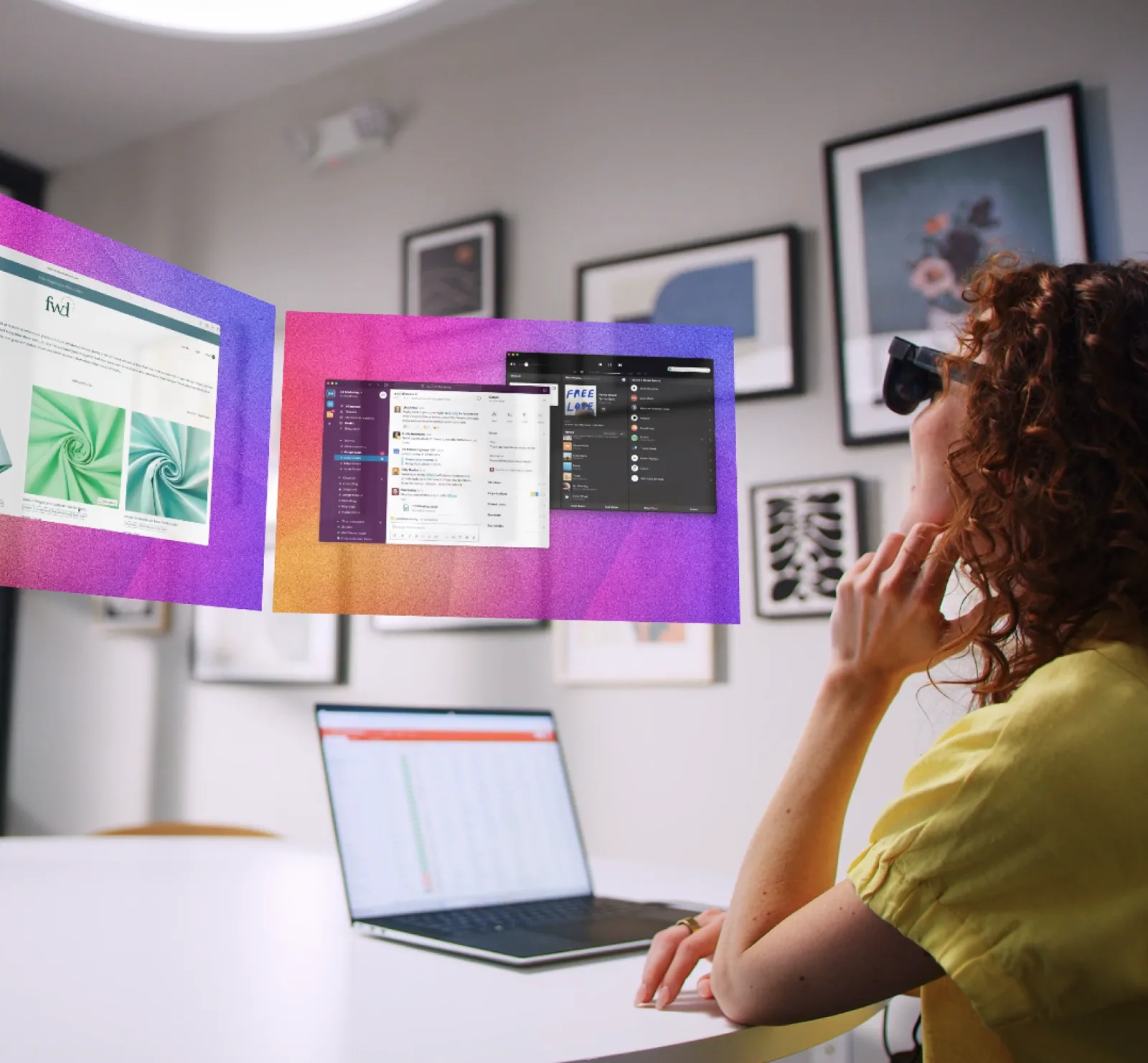
Multi-screen workspace, built-in head tracking, and spatial computing — all in a pair of glasses.

Why VITURE for Productivity

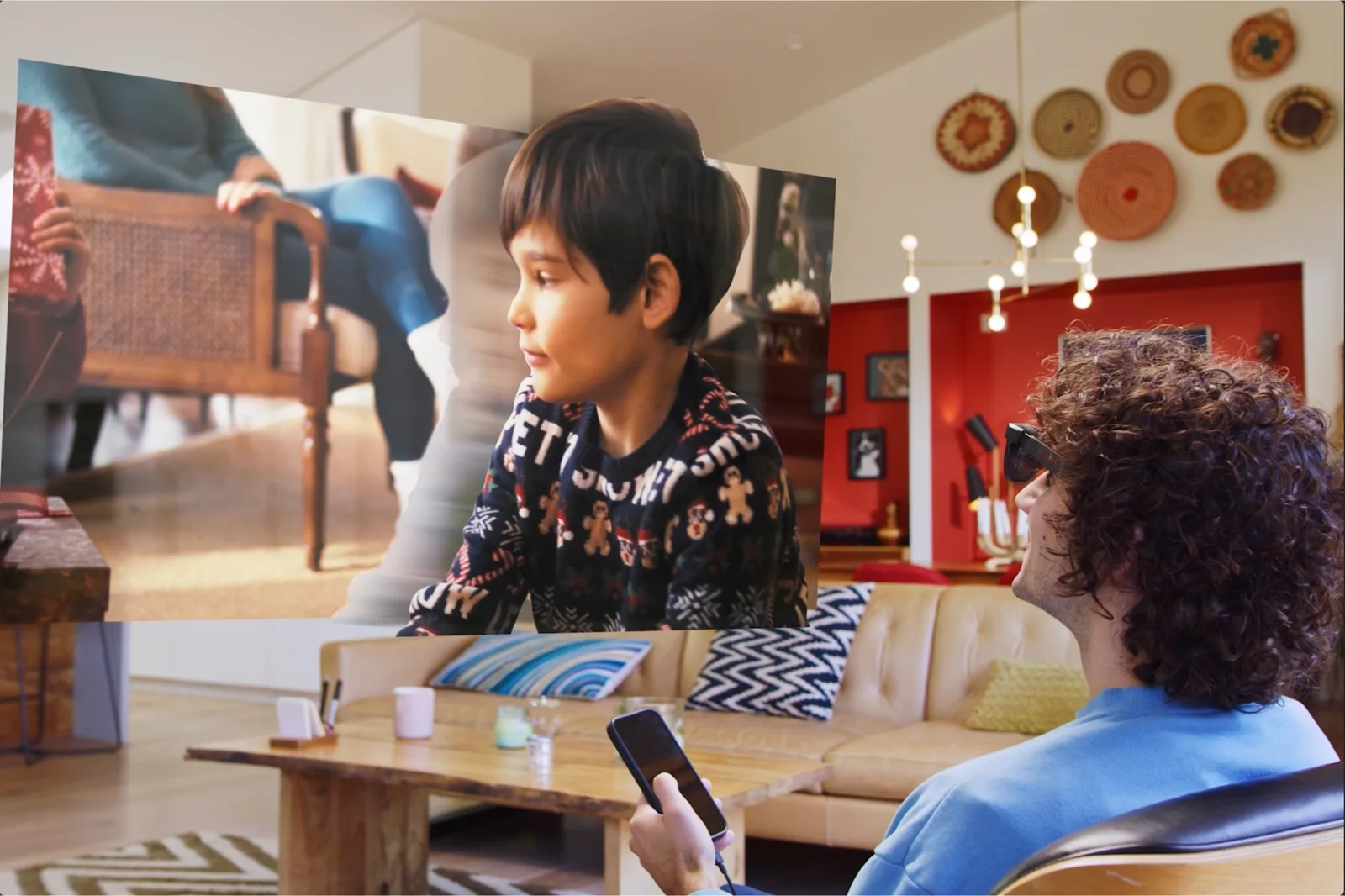
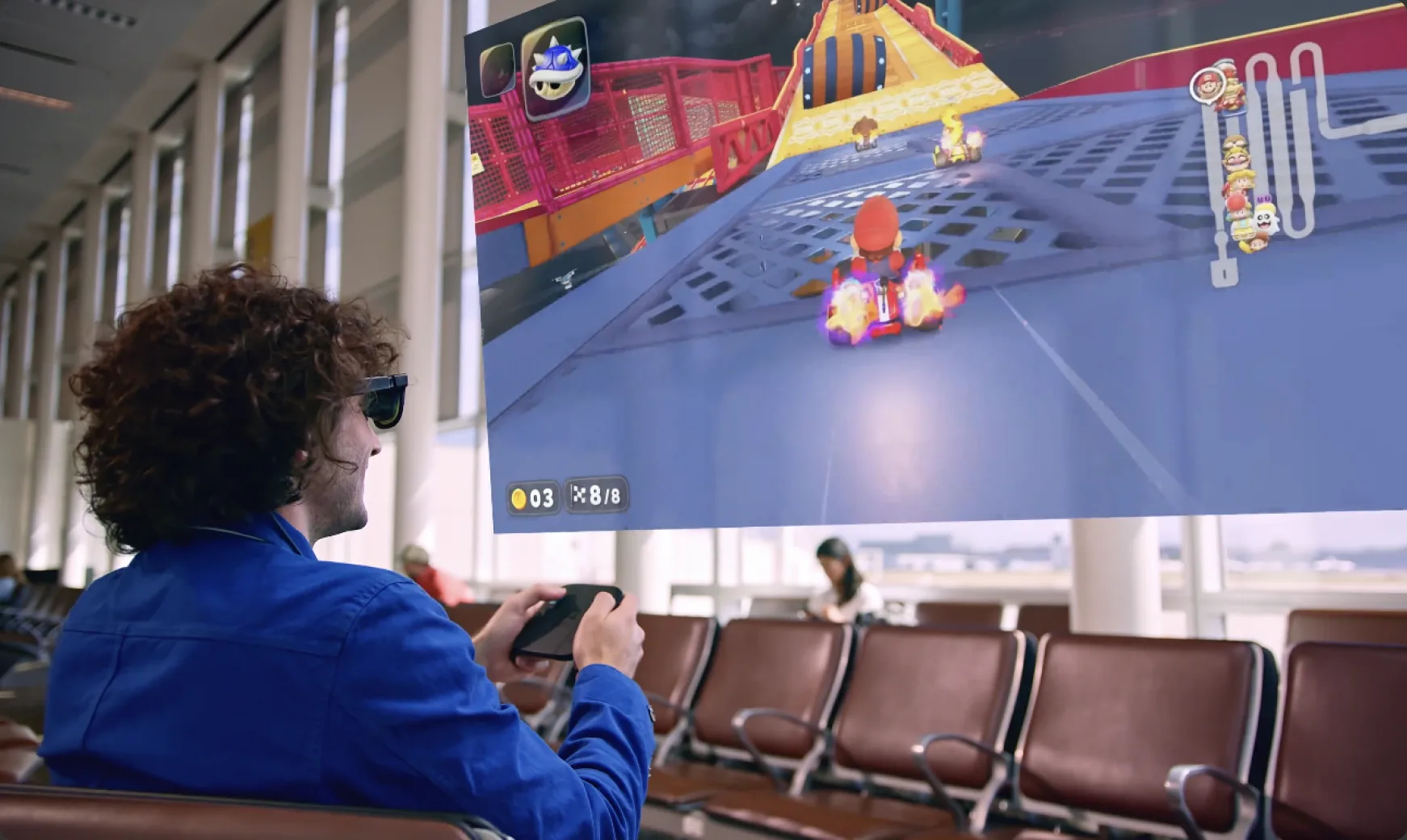
Handheld screens are small by design. VITURE turns whatever you’re holding into a private display you can size to the moment, on a flight, in a dorm, on a couch, without adding a second screen to carry.

Choose Your Display

The Immersive Giant

The Beast

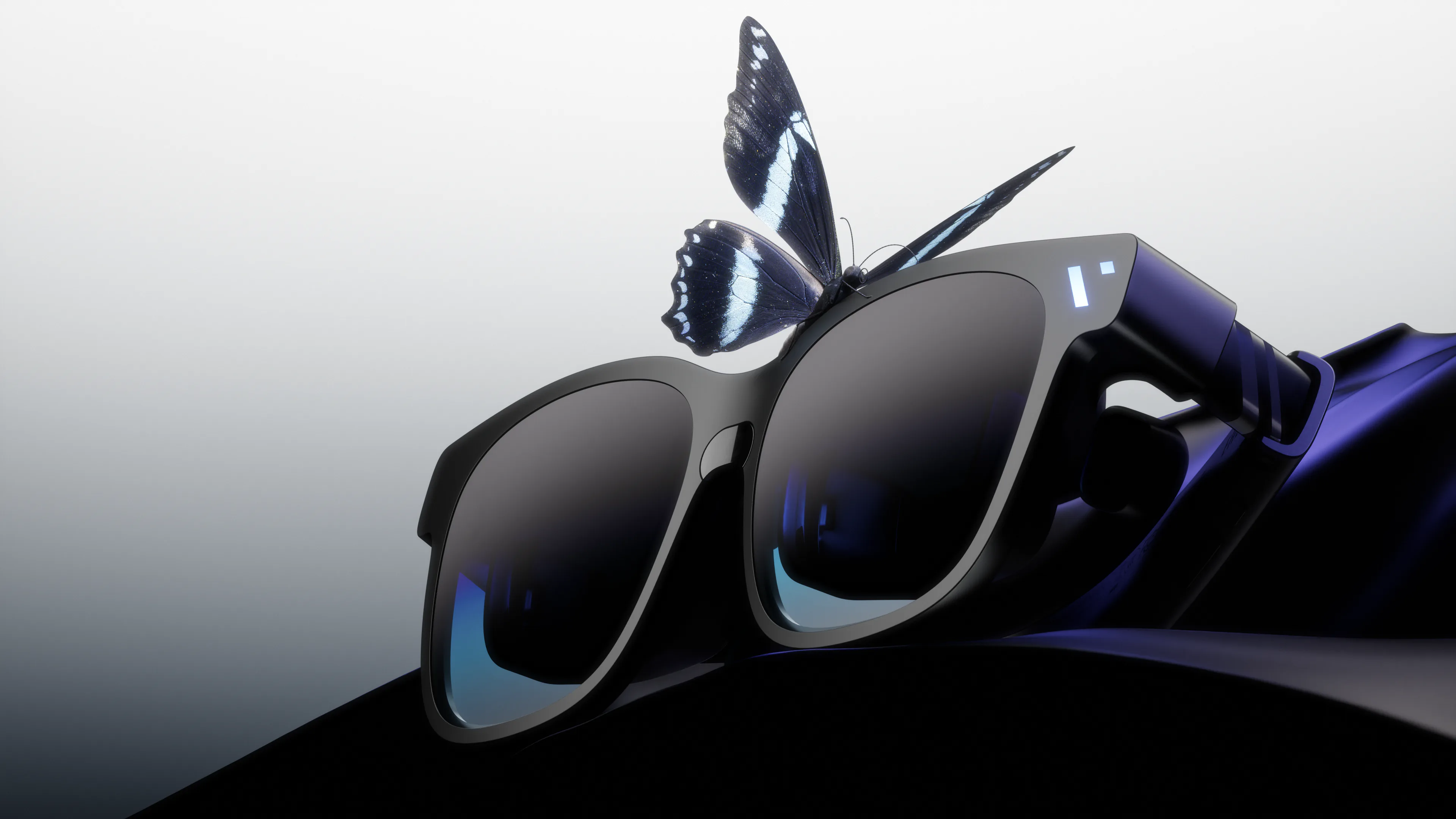
Our biggest, boldest, most customizable XR experience yet.

  • Biggest 174" Screen and 58° FOV
  • Massive 4K-like display with built-in 3DoF
  • Harman AudioEFX Spatial Audio for immersive sound
  • One display for movies, work, and play
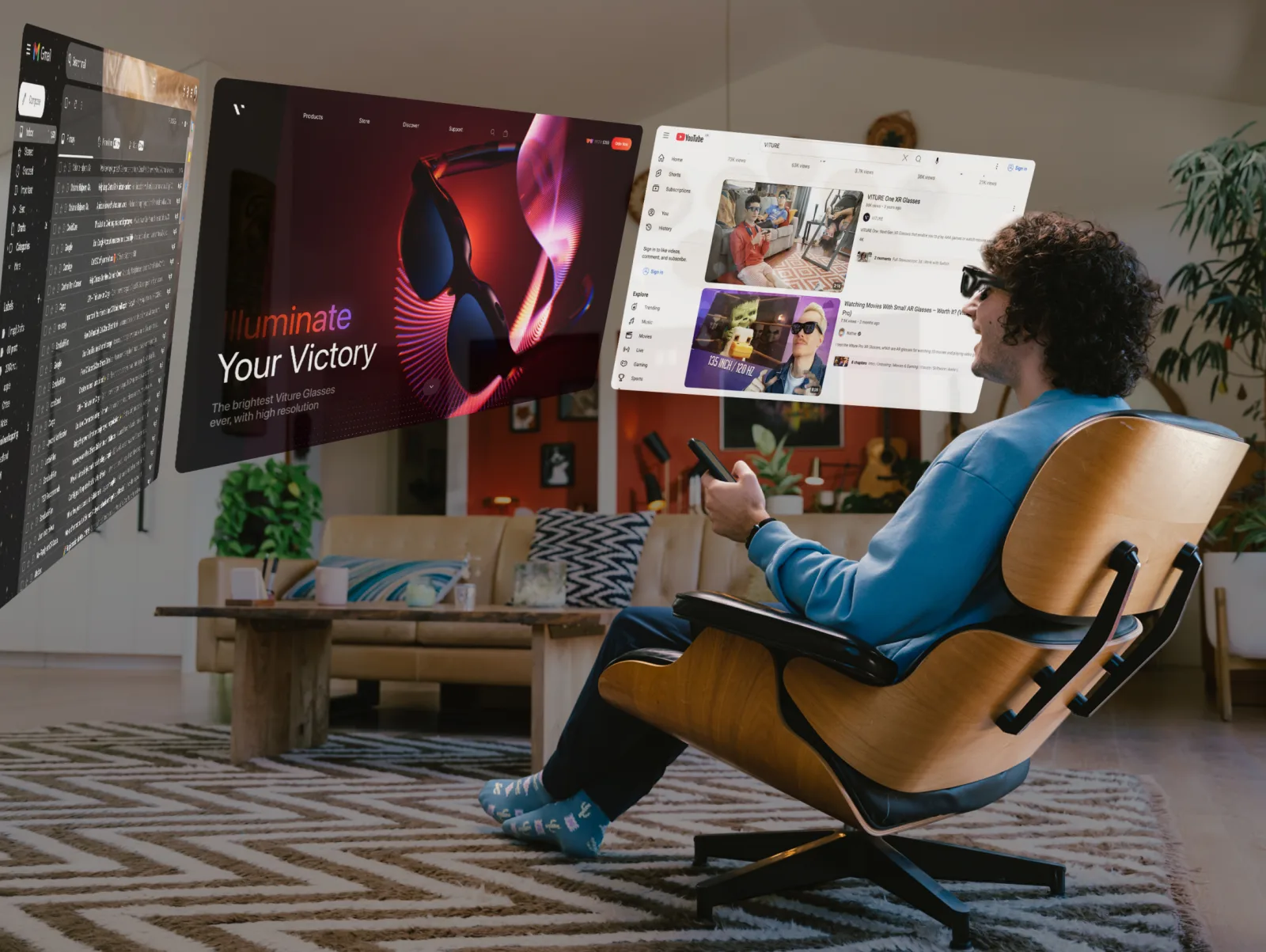
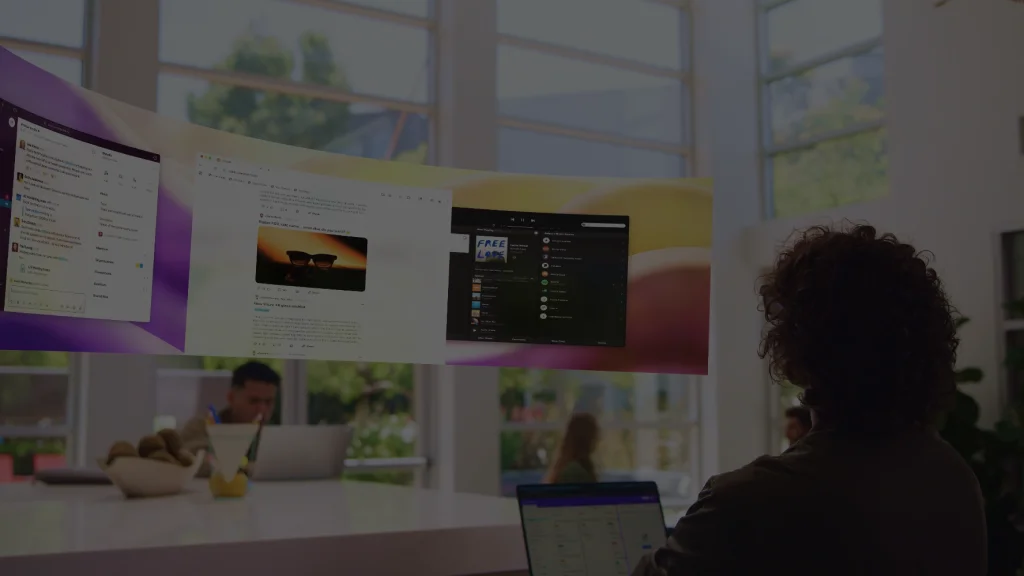
Multiple Giant Screens. Anywhere, Anytime.

Productivity, Ready in Seconds.

ConnectPlug USB-C into your device
AdjustFit nose pads and arms
LaunchOpen SpaceWalker
WorkArrange your screens

The SpaceWalker Experience.

Unlock a spatial workstation. The Beast comes ready to go with built-in 3DoF and UltraWide, and like all VITURE glasses, unlocks its full potential via SpaceWalker: multi-screen, immersive 3D and more. Luma Ultra goes furthest, with full 6DoF, gesture control and spatial features with the Pro Neckband.

Multi-Screen

Multi-Screen

Private Monitor

Private Monitor

Vibe Coding

Vibe Coding

Real Talk From the Community

More Productivity Essentials

View all products →

FAQ

The Beast gives you the biggest canvas: a 58° field of view (about a 174" screen at 4 meters), with built-in 3DoF and UltraWide ready to go out of the box.

Luma Ultra has a 52° field of view (≈152") and goes furthest on spatial features, with 6DoF spatial anchoring through SpaceWalker for Mac and Windows, plus 6DoF tracking and gesture control with the Pro Neckband.

No. VITURE glasses connect over USB-C and show up as a regular external display, so they work without any app.

SpaceWalker unlocks their full potential: multi-screen, immersive 3D and more.

* On iPhone, the full SpaceWalker experience requires the USB-C XR Charging Adapter Ultra or Mobile Dock Mini.

Yes. Open SpaceWalker and arrange multiple virtual screens around you, so your IDE, a preview window and docs can all be up at once.

* On iPhone, multi-screen requires the USB-C XR Charging Adapter Ultra or Mobile Dock Mini.

Some initial discomfort is common when you first use near-eye displays. A few things help:

  • Start with 20–30 minute sessions and build up over a few days.
  • Follow the 20-20-20 rule: every 20 minutes, look at something 20 feet away for 20 seconds.
  • Center the lenses in front of your eyes — misalignment is the most common cause of strain.

If eye pain, headaches, or vision changes don’t go away, stop using the glasses and check in with an eye doctor.

VITURE glasses work with iPhone 15 and later (excluding iPhone 16e, iPhone 17e and iPhone Air), Android, Mac/PC, and more — any device whose USB-C port outputs DisplayPort video.

Explore More Scenarios

Help Me Choose.

Not Sure Which VITURE XR Glasses To Choose?

Tell us what you want to do and what type of device you have and we'll help you find the right products for you.

Subscribe & Save 10%

Be the First to Know

By subscribing you agree to our Privacy Policy and provide consent to receive updates from our company