FROMRM1699
Order Now

Shop by Device

XR Glasses for Android.

Turn your phone into a massive private screen.
Unlock the true power of your Android devices.

Why VITURE for Android

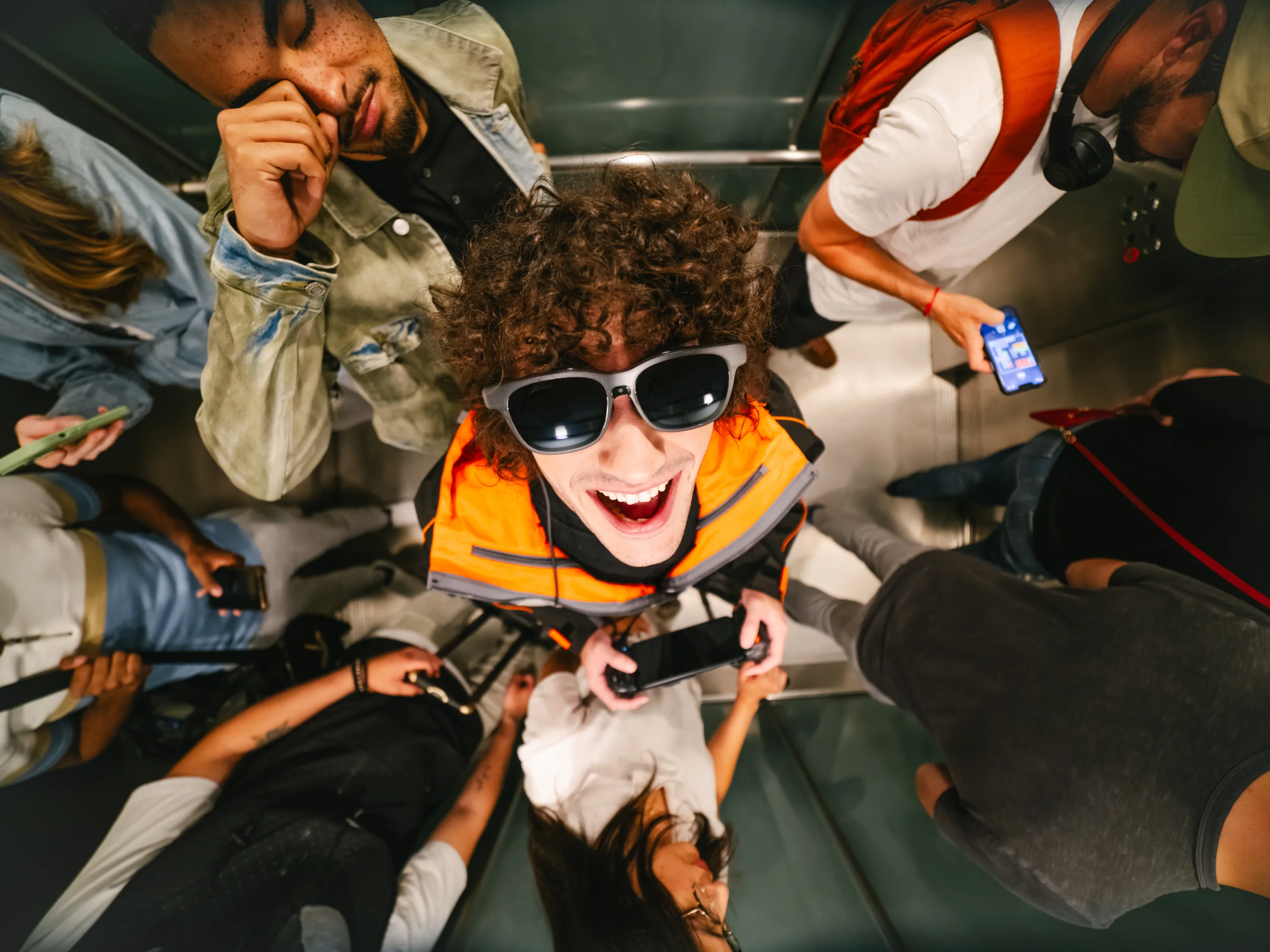
Handheld screens are small by design. VITURE turns your Android phone into a private display you can size to the moment on a flight, in a dorm, on a couch — without adding a second screen to carry.

Choose Your Display

For Android with DP Output.

The Immersive Giant

The Beast

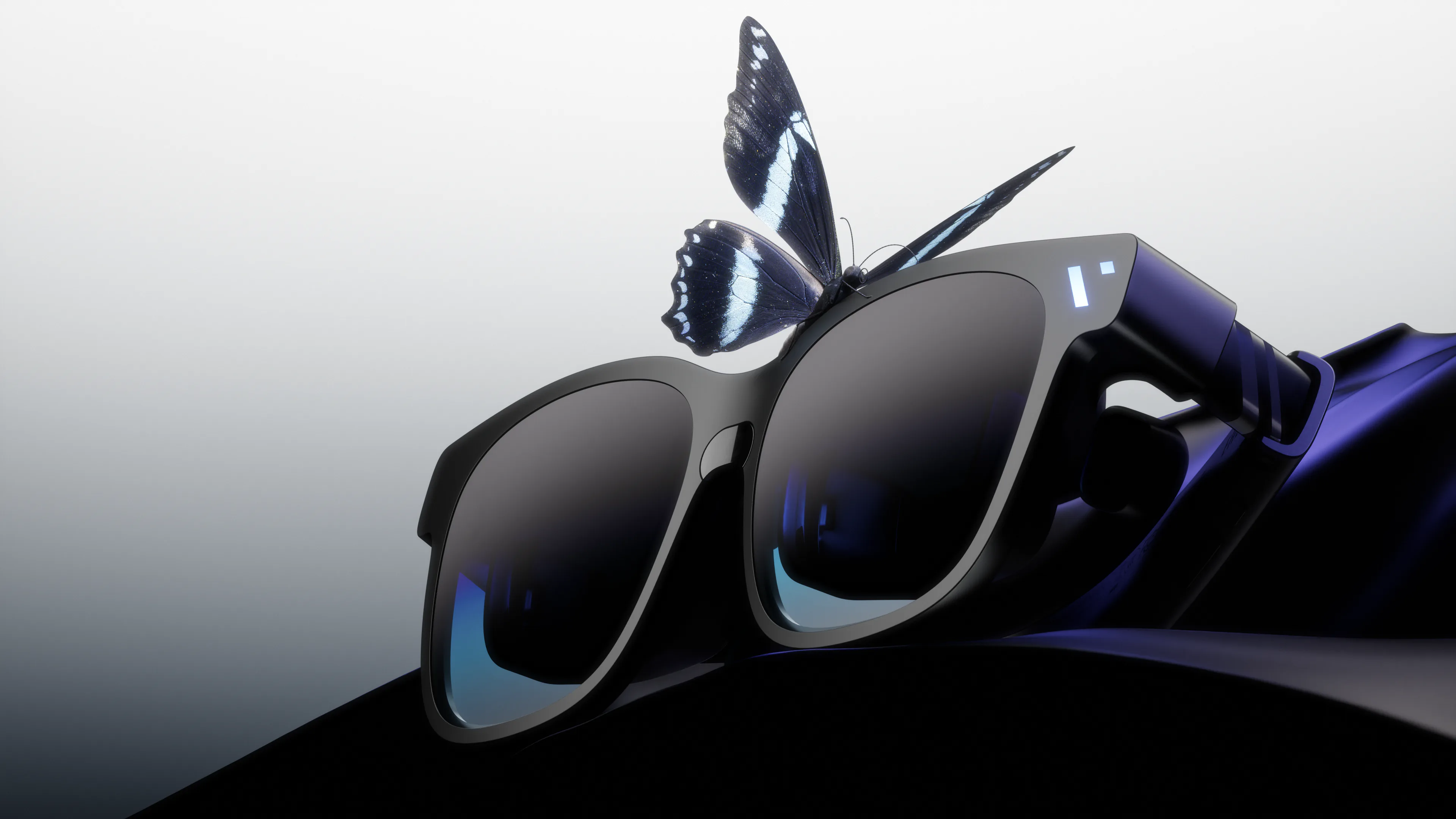
Our biggest, boldest, most customizable XR experience yet.

  • Biggest 174" Screen and 58° FOV
  • Massive 4K-like display with built-in 3DoF
  • Harman AudioEFX Spatial Audio for immersive sound
  • One display for movies, work, and play
Multiple Giant Screens. Anywhere, Anytime.

Enjoy the Full XR Experience

Spatial memories, remote streaming, multi-screen, 3DoF, immersive 3D, and total privacy, all in our VITURE-developed app.

2D → 3D Conversion

Watch local photos and videos in 3D with real-time AI.

Immersive 360° VR

Explore VR content with full 3DoF support wherever you look.

All Your Clips, One Place

SpaceWalker’s Media Gallery keeps every memory.

Full Privacy, Every Time

No image shows on the outer lens, watch in total privacy.

The Gaming Setup

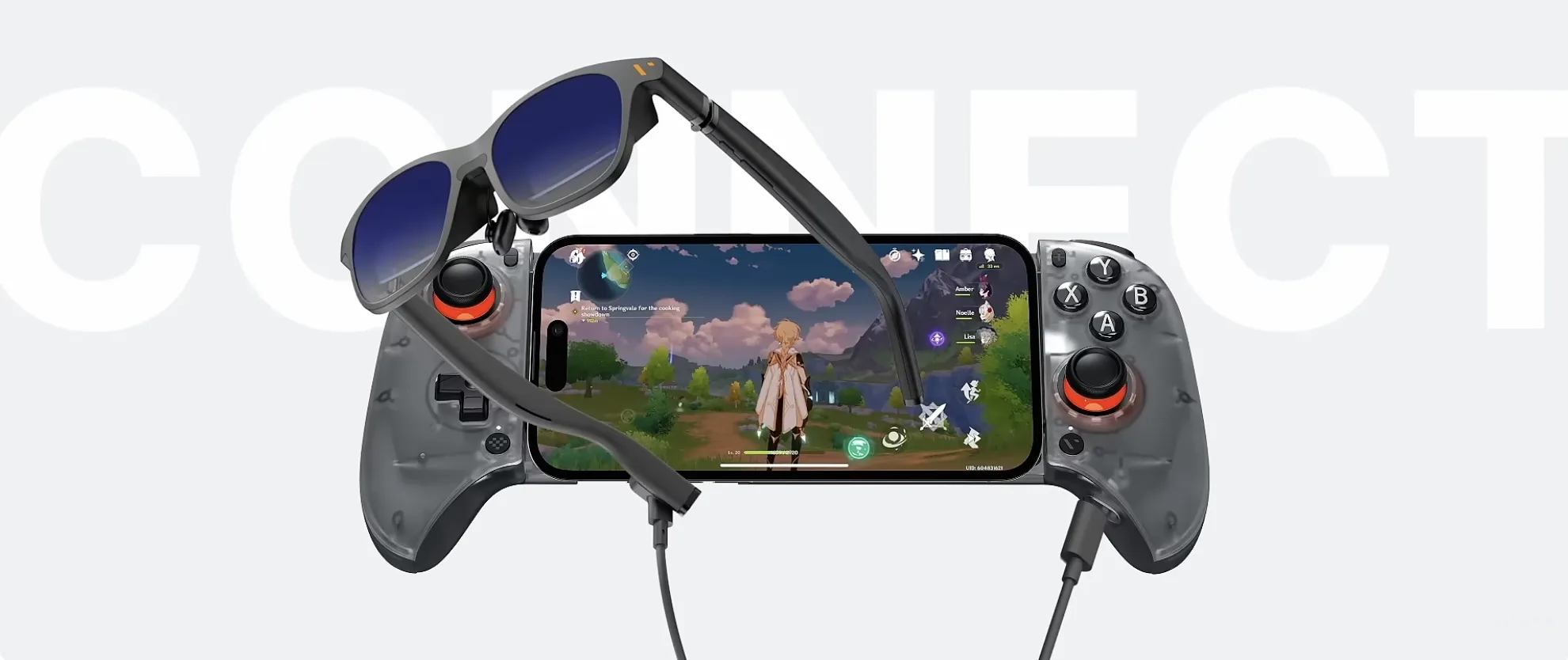
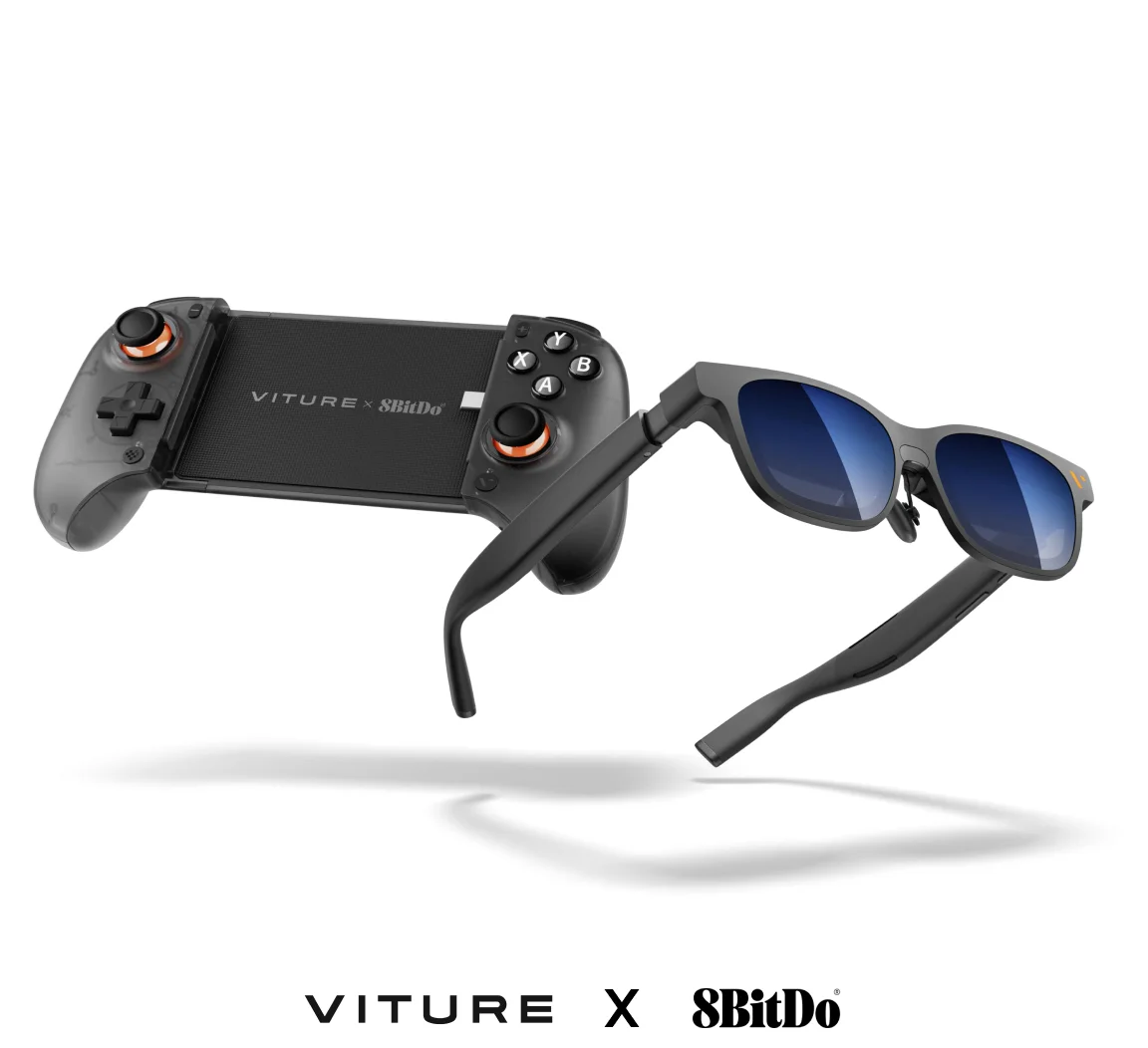
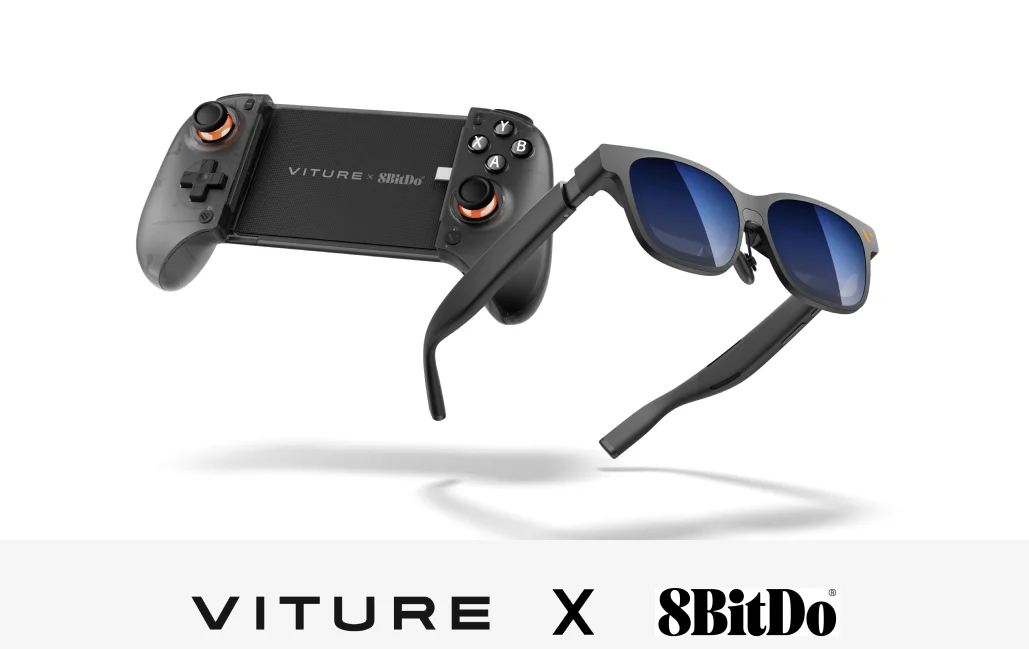
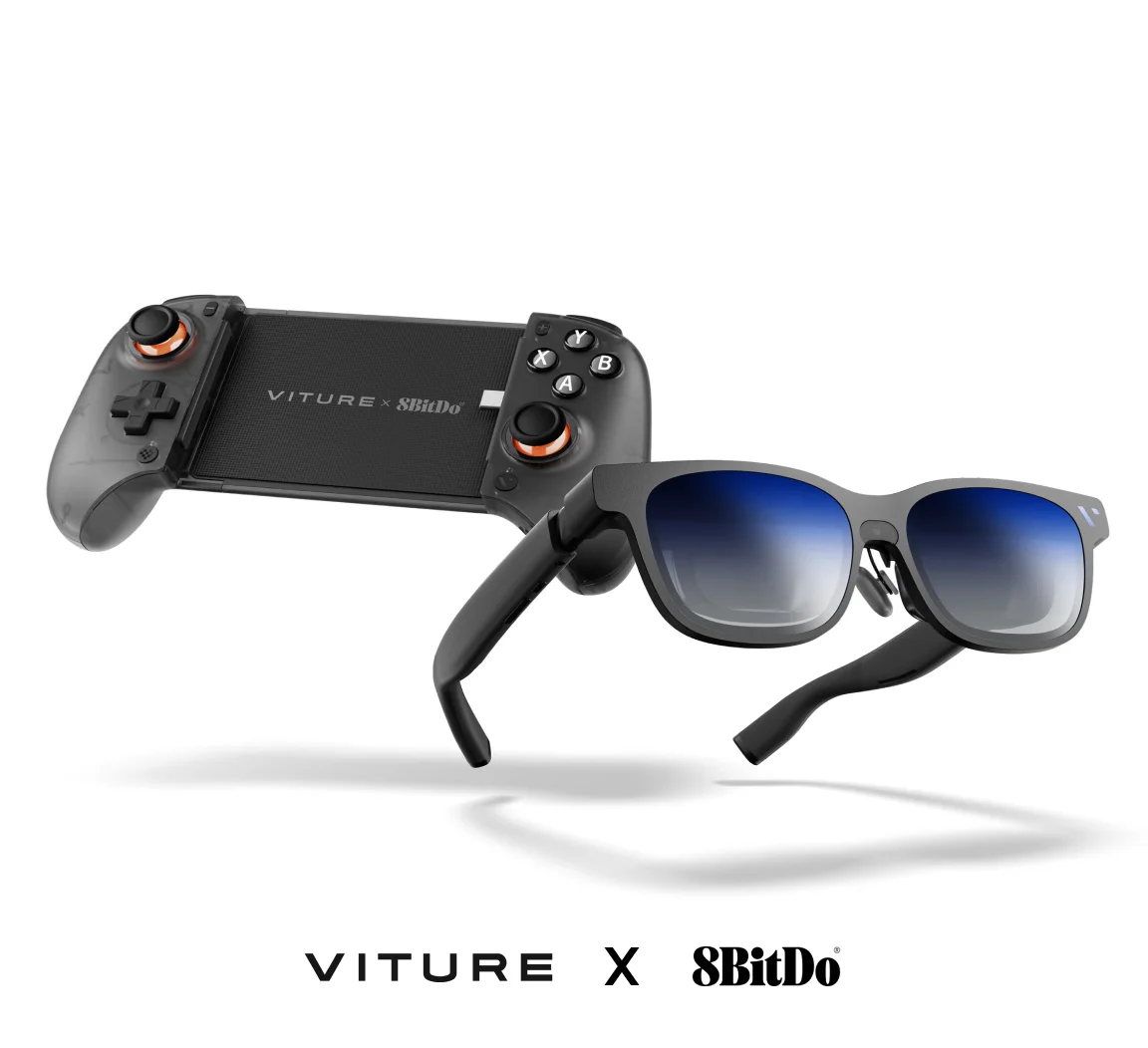
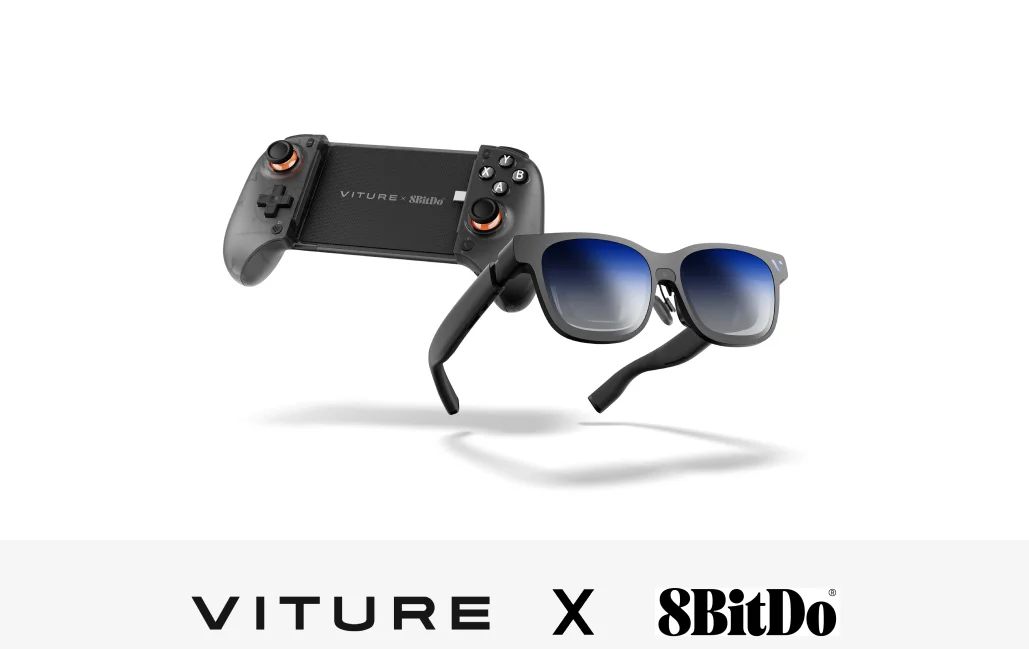
VITURE Glasses x 8BitDo Ultimate Mobile Gaming Controller

Dock ItSnap your Android phone onto VITURE x 8BitDo Ultimate Mobile Gaming Controller.
Plug InConnect your VITURE glasses via USB-C (DP Output).
PlayYour phone’s output fills the display instantly.

A Mobile Gaming Essential

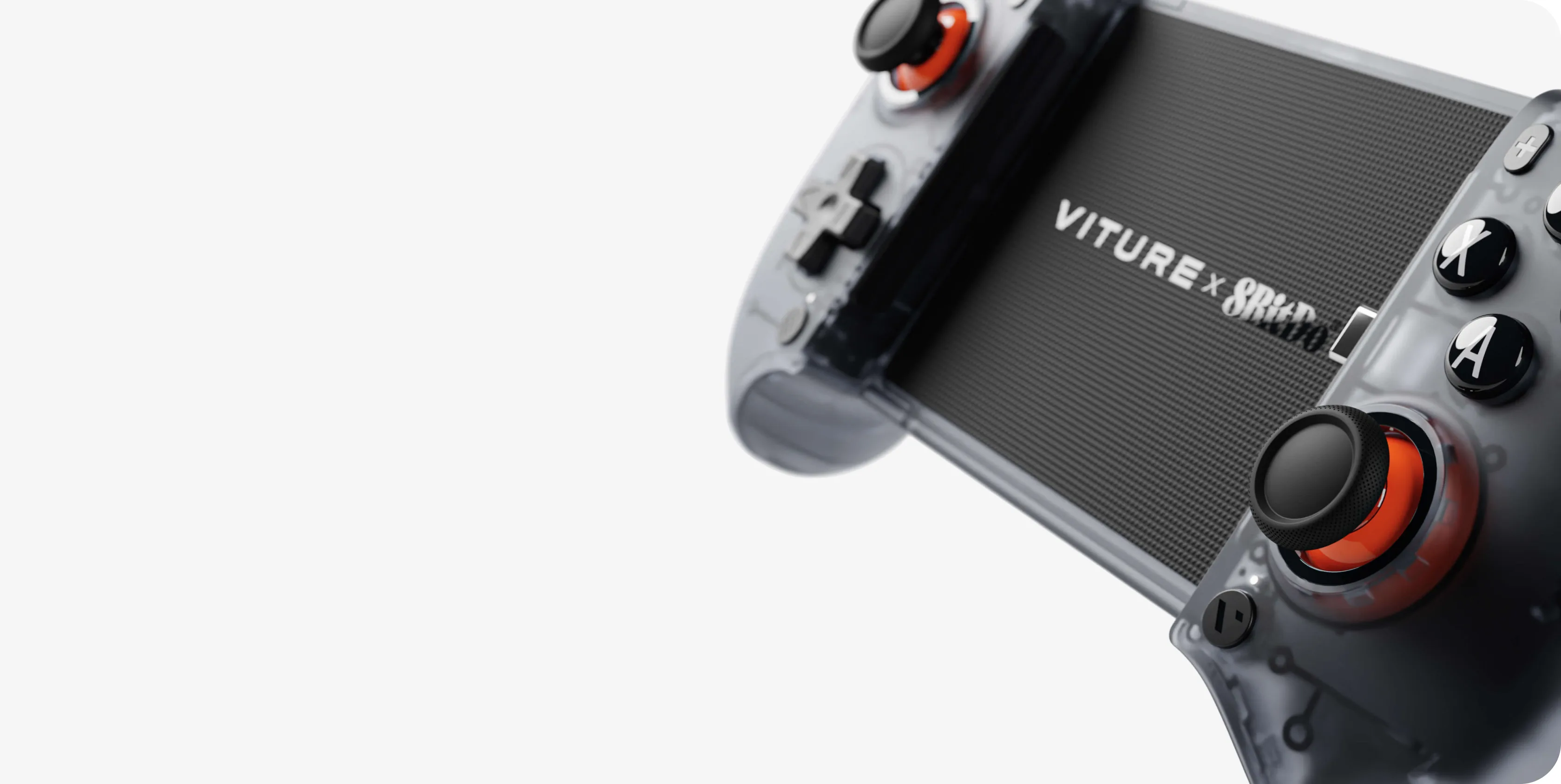
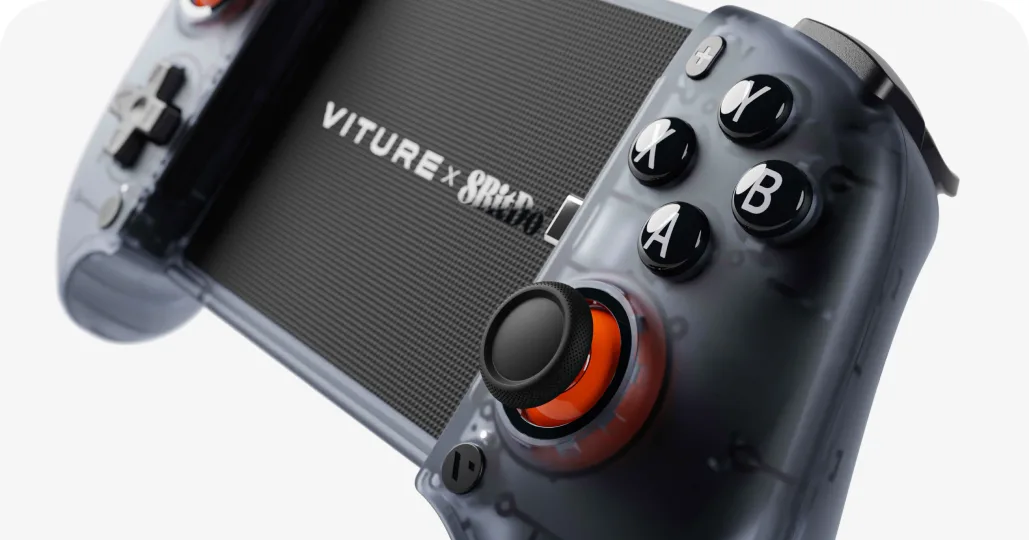
VITURE x 8BitDo

Ultimate Mobile Gaming Controller

  • Turns your phone into a handheld console.
  • Smooth, clicky, lightweight.
  • Hall Effect triggers & joysticks.
  • Versatile button mapping across multiple platforms.
  • Works as a standalone controller too.

Everything You Need, Packed In

Everyday Setup

VITURE Pro 2 X Ultimate Mobile Gaming Controller

The lightest and thinnest XR glasses you forget you’re wearing.

  • UltraClarity 3.0, even at −5.0D
  • Built-in diopter adjustment from 0 to −5.00D.
  • All-in-one kit, no extra controllers needed.

Immersive Setup

The Beast X Ultimate Mobile Gaming Controller

Our biggest, boldest, most customizable XR experience yet.

  • Larger display, built-in 3DoF
  • Improved handheld gaming options
  • Best for longer gaming sessions

More Android Essentials

View all products →

FAQ

VITURE XR glasses work with Android phones whose USB-C port supports DisplayPort (DP) output. Compatibility varies by model, and you can find your phone on our compatibility page.

VITURE XR glasses turn your Android phone into a large virtual display, making them ideal for watching videos, playing games, or browsing on the go. Watch on a plane, train, or at home without relying on a TV or holding your phone up in front of you, while keeping your setup compact and portable.

Yes. The VITURE Luma series and VITURE Pro 2 feature built-in myopia adjustment, with adjustment ranges varying by model and extending up to -6.0D on VITURE Luma. This lets you dial in your prescription directly on the glasses without wearing anything underneath. VITURE Beast XR Glasses come with a prescription lens frame in the box, ready for lenses made by your own optician. For prescriptions beyond the built-in adjustment range, or if you prefer ready-made prescription lenses, prescription lens frames with lenses made to your prescription are also available on our site.

No. VITURE XR glasses keep your virtual display private to you, with no visible image on the outer lens. With SpaceWalker for Android, you can also turn off your phone’s screen while continuing to view your content through the glasses, helping keep your viewing private in public spaces such as planes, trains, and cafes.

Yes. With SpaceWalker for Android, you can use multiple virtual screens at the same time and arrange them around you. This lets you browse, watch videos, or work across different apps from your Android phone.

Yes. The Immersive 3D feature in SpaceWalker can convert 2D content into 3D in real time and you can watch it on your VITURE XR glasses. VITURE Beast XR Glasses also support native side-by-side (SBS) 3D content through their built-in 3D mode.

On compatible Android phones, you can connect VITURE XR glasses directly via USB-C and use features such as multiple screens, 3DoF, Immersive 3D, and the photo gallery without an adapter. If you want to charge your phone while using the glasses, the VITURE USB-C to Glasses and Charging Adapter lets you charge while keeping these features available.

Help Me Choose.

Not Sure Which VITURE XR Glasses To Choose?

Tell us what you want to do and what type of device you have and we'll help you find the right products for you.

Subscribe & Save 10%

Be the First to Know

By subscribing you agree to our Privacy Policy and provide consent to receive updates from our company